
|
Do it yourself
| |||
| ||||


How to reset the multimedia system of the Dodge RAM 1500
Model: RAM 1500
MK 5, DT
- Years 2019-2026
Today's steps will show us the process of resetting the factory radio and multimedia system of the Dodge RAM 1500. First, we get on board the vehicle and start the ignition; then we turn on the multimedia system and go to the settings, selecting the option to reset to factory settings and confirming the choice, as shown in the video. At this point, we wait for the multimedia system to reset and initialize again; then we proceed to reconfigure the multimedia system to its previous settings, checking its functionality!
Posted on 16 March 2024 by ScegliAuto
Video tutorial
Related tutorials
RAM 1500
(2019-2026 /
MK 5, DT)
In this short guide, we will see how to reset or reboot the car radio and multimedia system of the RAM 1500. First, get into the vehicle and start th…

RAM 1500
(2019-2026 /
MK 5, DT)
The service light on a 2021 Dodge Ram 1500 vehicle turns on when it is time to perform a car service, after performing the service it will be necessa…
RAM 1500
(2002-2009 /
D1, DC, DH, DR, DM, MK 3)
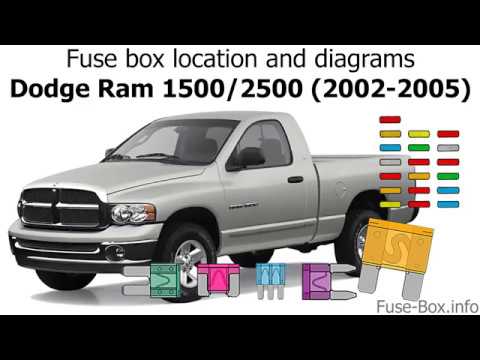
This video shows the location of the fuse boxes in the 2003 Dodge Ram 1500. In addition to the fuse box locations, the video also shows a diagram of …
Other guides you may be interested in |
How to Remove and Reinstall the Rear Wheel Support Plates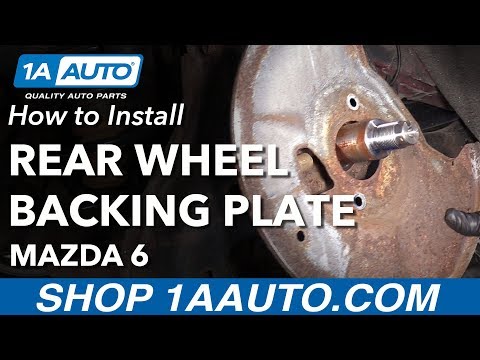
To remove and reinstall the rear wheel support plates, first lift the car on a ramp. Then, using a 12 mm socket, unscrew the bolts securing the wheel to remove it. Next, take out the support assembly by unscrewing the relevant bolts. You can then slide out the first plate by unscrewing the bolts with the appropriate spanner. After that, using a 35 mm socket, remove the other bolt that precedes the second plate. Proceed to unscrew all the smaller screws to take it off. To reinstall everything, simply reverse all the steps just mentioned, ensuring to clean all parts thoroughly and lubricate them. by ScegliAuto More videos
|
|
For advertising on this site Write to info@scegliauto.com
ScegliAuto is not responsible for any inaccuracy of the data in the lists. To report any inaccuracy or your business (if you own the business in question), please write to info@scegliauto.com
Number of seconds to generate the page: 0.042
(c) ScegliAuto 2026 - info@scegliauto.com - Privacy policy VAT number: IT01247470535 |
