
|
Do it yourself
| |||
| ||||


How to reset the "Service" light on a Renault Espace?
Model: Renault Espace
MK 5
- Years 2015-2022
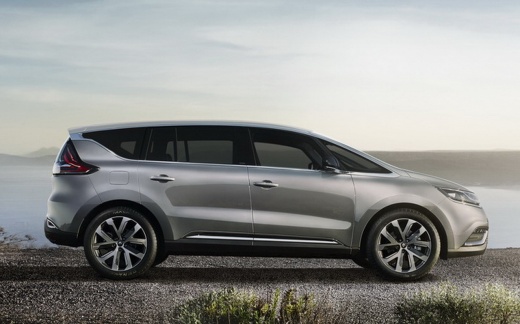
To reset the "Service" light on a Renault Espace, start by turning on the dashboard without starting the engine. Use the buttons on the steering wheel to navigate the onboard computer menu. Look for and select the maintenance option. Once in the maintenance menu, follow the reset procedure indicated on the display. Usually, this procedure requires holding down a button or confirming the reset through the steering wheel controls. Continue to follow the instructions on the screen until the reset is complete and the "Service" light turns off. Turn off and on the dashboard to ensure that the light has been properly reset.
Posted on 7 February 2025 by ScegliAuto
Video tutorial
Related tutorials
Renault Espace
(2015-2022 /
MK 5)
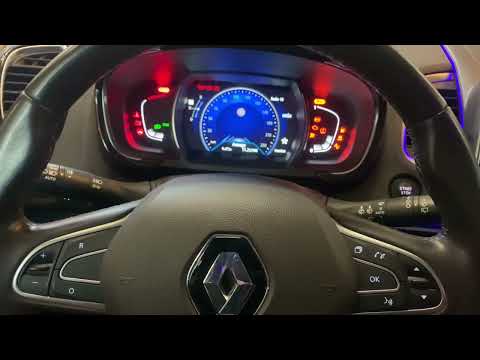
In order to reset the Service light that appears on the instrument panel of the Renault Espace, you will need to insert the ignition key into the cor…
Renault Espace
(2015-2022 /
MK 5)
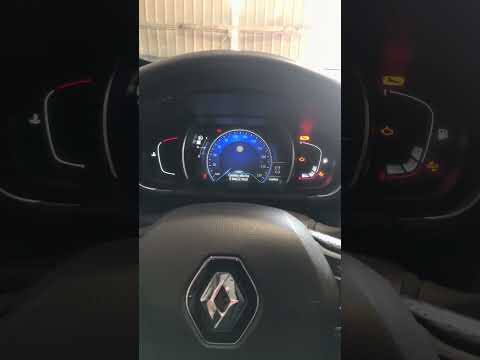
In order to reset the tire pressure warning light on the Renault Espace, you must first inflate the tires, bringing them to the correct inflation pre…
Renault Espace
(2015-2022 /
MK 5)
In order to manually reset the maintenance light on the instrument panel of your Renault Espace fifth generation (year 2015-2022), you need to follow…
Other guides you may be interested in
|
How to Reset the Oil Maintenance Service on a Fiat 500X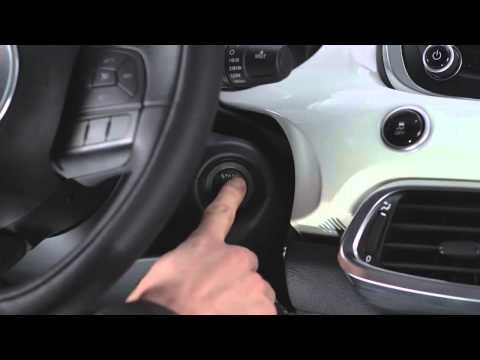
In this video, learn how to reset the oil maintenance service on a Fiat 500X. This is a very simple operation. Enter the vehicle and turn on the instrument cluster using the button next to the steering wheel. Press the accelerator pedal three times in quick succession, then release the pedal. Turn off the instrument cluster, then turn it back on and wait for it to illuminate. Finally, check the changes made to the car. Always remember to make adjustments to the onboard computer with the engine off. by ScegliAuto More videos
|
|
For advertising on this site Write to info@scegliauto.com
ScegliAuto is not responsible for any inaccuracy of the data in the lists. To report any inaccuracy or your business (if you own the business in question), please write to info@scegliauto.com
Number of seconds to generate the page: 0.077
(c) ScegliAuto 2026 - info@scegliauto.com - Privacy policy VAT number: IT01247470535 |
