
|
Do it yourself
| |||
| ||||


How to reset the service light on the Renault Scenic
Model: Renault Scenic
MK 2, Scenic 2
- Years 2003-2009
After performing an oil change on a Renault Scenic mk2 model vehicle, it is necessary to proceed with resetting the warning light. To independently reset the warning light, turn on the instrument panel and press the button on the right lever of the steering wheel to access the settings menu. Select the "SERVICE OIL" option and press the SET button on the lever for 10 seconds. To complete the reset of the warning light, turn off and on the instrument panel. If the problem persists, it may be necessary to go to a workshop for a computerized diagnosis.
Posted on 12 February 2025 by ScegliAuto
This video is currently unavailable
Related tutorials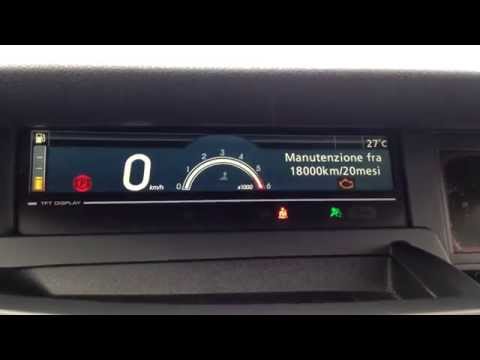
Renault Scenic
(2009-2015 /
Scenic 3, MK 3, MK III, Scenic III)
Before you can start, ensure that the service has been performed, then sit in the driver's seat of your Renault Scenic. Begin by activating the instr…
Renault Scenic
(2009-2015 /
Scenic 3, MK 3, MK III, Scenic III)
Before starting, ensure that the service has been completed, then sit in the driver's seat of your Renault Scenic. Begin by activating the instrument…
Renault Scenic
(2009-2015 /
Scenic 3, MK 3, MK III, Scenic III)
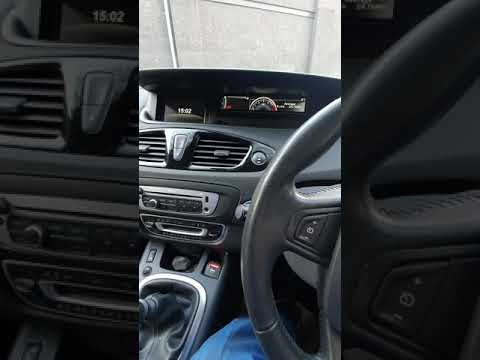
In this short and simple guide, we will see the procedure to reset the service light on a Renault Scenic and Grand Scenic. First, get inside the vehi…
Other guides you may be interested in
|
How to Open the Fuel Cap of the Volkswagen Jetta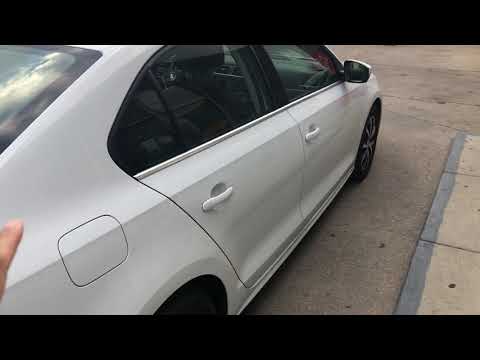
When you need to refuel this vehicle, first open the fuel filler flap. Follow these simple instructions, and you can also watch the video for more details. First, unlock the central locking to open the flaps. Then, press the fuel cap with your hand to unlock it and open it. Underneath, you will find the fuel cap, which you need to unscrew counterclockwise. At this point, you can proceed to refuel. by ScegliAuto More videos
|
|
For advertising on this site Write to info@scegliauto.com
ScegliAuto is not responsible for any inaccuracy of the data in the lists. To report any inaccuracy or your business (if you own the business in question), please write to info@scegliauto.com
Number of seconds to generate the page: 0.104
(c) ScegliAuto 2026 - info@scegliauto.com - Privacy policy VAT number: IT01247470535 |
