
|
Do it yourself
| |||
| ||||


Disassembly of Rear Brake Drum
Model: Renault Clio
Clio 2, MK 2
- Years 1998-2005
For this operation, you need the following tools: 30mm socket, screwdriver set, hammer. First operation: lift the vehicle and remove the wheel bolts and the wheel itself. Remove the hub cover protecting the drum retaining bolt. For this operation, use a sturdy spatula or a large screwdriver and the hammer. Insert the blade of the spatula between the drum and the cover, then use the hammer on the spatula to remove the cover. Unscrew the drum bolt using the 30mm socket and remove it. Spray cleaning fluid inside the brake shoe assembly to remove dirt.
Updated on 3 February 2026 by ScegliAuto
Video tutorial
Related tutorials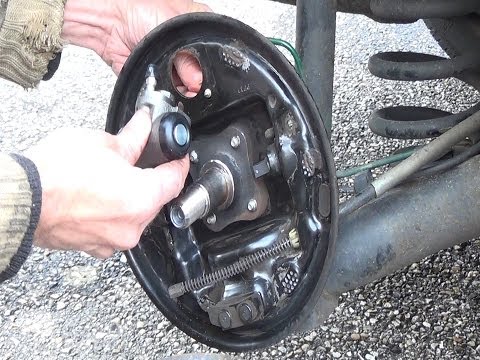
Renault Clio
(1998-2005 /
Clio 2, MK 2)
Loosen the wheel retaining bolts before lifting the vehicle and placing it on suitable axle stands, engaging first gear and releasing the handbrake; …
Renault Clio
(1998-2005 /
Clio 2, MK 2)
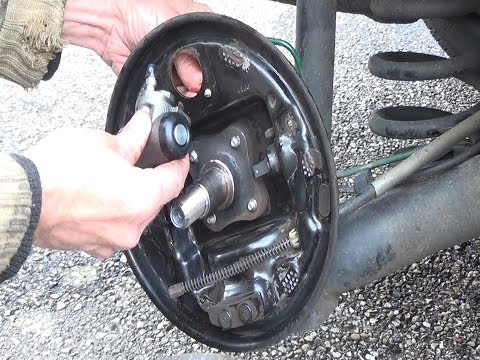
To replace the rear drums and shoes, first lift the vehicle and remove the rear wheel (use axle stands and do not work under a vehicle supported only…

Renault Clio
(2012-2019 /
Clio IV, MK 4, Clio 4)
On your Renault Clio, replacing the rear drum brakes should be done with care because it involves safety components and often the hydraulic system if…
Other guides you may be interested in
|
How to Open the Fuel Cap of the Volkswagen Jetta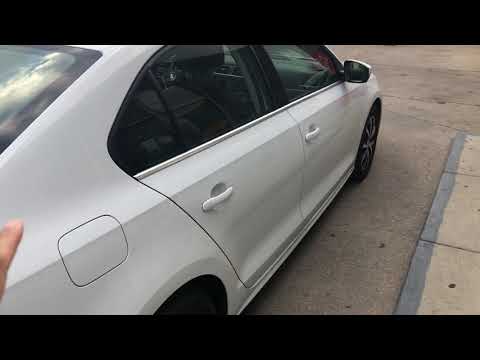
When you need to refuel this vehicle, first open the fuel filler flap. Follow these simple instructions, and you can also watch the video for more details. First, unlock the central locking to open the flaps. Then, press the fuel cap with your hand to unlock it and open it. Underneath, you will find the fuel cap, which you need to unscrew counterclockwise. At this point, you can proceed to refuel. by ScegliAuto More videos
|
|
For advertising on this site Write to info@scegliauto.com
ScegliAuto is not responsible for any inaccuracy of the data in the lists. To report any inaccuracy or your business (if you own the business in question), please write to info@scegliauto.com
Number of seconds to generate the page: 0.466
(c) ScegliAuto 2026 - info@scegliauto.com - Privacy policy VAT number: IT01247470535 |
