
|
Do it yourself
| |||
| ||||


How to change the battery of the Renault Clio key
Model: Renault Clio
MK 2, Clio 2
- Years 1998-2005
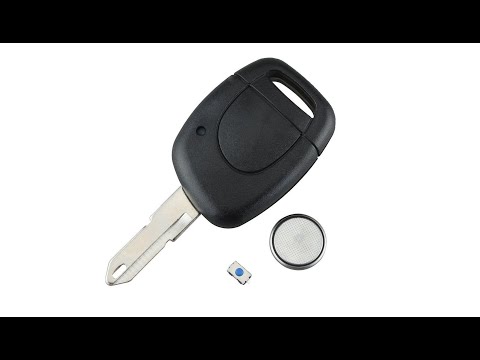
To replace the battery of the key with remote control of the Renault Clio it is necessary to proceed as follows: the key is made up of two plastic shells, to open the body of the key it is necessary to apply pressure with the fingers in the opposite direction to the part of the key that must be inserted into the lock, in order to slide one shell over the other. Once unlocked, the plastic cover can be removed, inside there is the battery (model 1220), pry upwards to extract the battery and take out the new one, place the new battery in the housing paying attention to the towards (positive pole above). Finally, reposition the two covers on top of each other and slide them in the opposite direction compared to before to make them hang up.
Posted on 21 October 2022 by ScegliAuto
Video tutorial
Related tutorials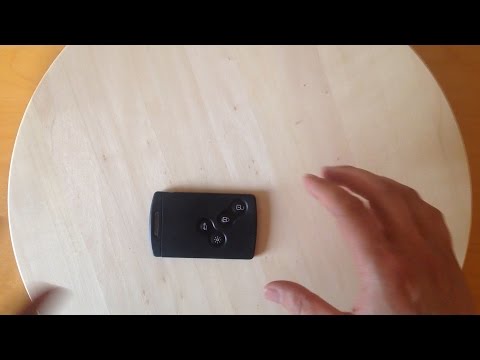
Renault Clio
(2012-2019 /
MK 4, Clio 4, Clio IV)
To open the Renault Clio remote control and remove or change the battery, you must first remove the key blade by pressing the button on the side of t…
Renault Clio
(2005-2013 /
Clio 3, MK 3, Clio III)
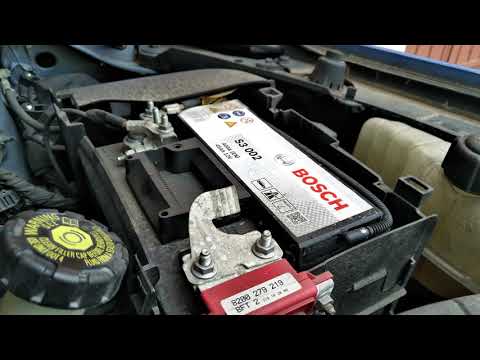
To change the battery of the Renault Clio III, we open the hood of the car, remove the battery cover and disconnect the negative pole (the black one)…
Renault Clio
(1998-2005 /
MK 2, Clio 2)
Let's start by removing the rear side of the electric key of our Renault Clio. Subsequently, using a flat screwdriver and levering, we will have to g…
Other guides you may be interested in
|
Frequently Asked QuestionsHow to Pair Smartphone with Bluetooth System on Fiat Tipo
Here’s how to pair your smartphone with the Bluetooth system of the Fiat Tipo's car radio: activate the Bluetooth on your smartphone and set the car radio to connect with the external device. When the car's multimedia system detects your smartphone's Bluetooth, confirm and click on the 'new cell' option. Once the system has detected the smartphone, enter the pairing password if necessary. Finally, download the app on your smartphone and confirm the pairing with the car's multimedia system. Now your smartphone is connected to your car. by ScegliAuto More videos
|
|
For advertising on this site Write to info@scegliauto.com
ScegliAuto is not responsible for any inaccuracy of the data in the lists. To report any inaccuracy or your business (if you own the business in question), please write to info@scegliauto.com
Number of seconds to generate the page: 0.143
(c) ScegliAuto 2026 - info@scegliauto.com - Privacy policy VAT number: IT01247470535 |
