
|
Do it yourself
| |||
| ||||


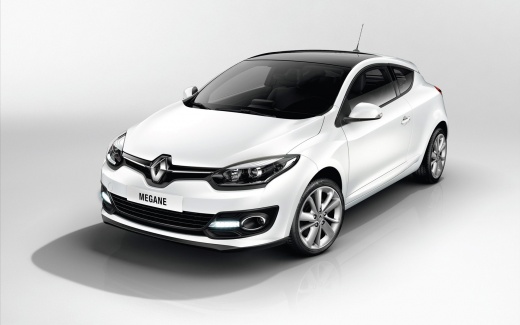
Three Small Customisation Ideas for the Renault Megane
Model: Renault Megane
Megane IV, Megane 4
- Years:
2015, 2016, 2017, 2018, 2019, 2020, 2021, 2022, 2023
Video tutorial
Here are three small, inexpensive modifications you can make to your Renault Megane at any time. The first is to install a chrome number plate holder, which you can find on all major e-commerce platforms for about £12. Another small modification is to tint the reflectors and the third brake light with a dark film, making the red colour of the light less prominent (but still clearly visible). Lastly, consider 'wrapping' the Renault logo at the front without removing it from its housing. Get a small piece of black vinyl and enjoy this fun pastime. Inside, do not cut it with a knife; instead, shape it around the underlying grille.
Updated on 14 July 2026 by ScegliAuto
Related tutorials
Renault Megane
(2015-2023 /
Megane IV, Megane 4)
Over time and after driving many miles, the headlight alignment may experience slight vibrations and alter the optimal position of the front lighting…

Renault Megane
(2008-2015 /
Megane III, Megane 3)
In this video, you will see where the EOBD (European On Board Diagnostic) port is located on a Renault Megane III: there is no difference between rig…
Renault Megane
(2002-2010 /
Megane 2)
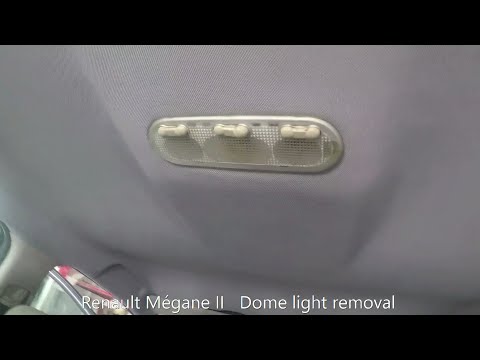
This brief guide outlines the steps to remove and replace the interior light fitting on the Renault Megane. First, get inside the vehicle and pry the…
Other guides you may be interested in
|
How to reset the tyre pressure warning light on the Kia Niro EV?
To reset the tyre pressure warning light on the Kia Niro EV, inflate the tyres until they reach the correct pressure value. This value is indicated on the sticker attached to the driver's door pillar. Once the tyres are inflated, turn on the instrument cluster to check that the warning light has completely disappeared from the display. If it is still present, you may need to drive for a few miles to ensure it disappears completely from the screen. by ScegliAuto More videos
|
|
For advertising on this site Write to info@scegliauto.com
ScegliAuto is not responsible for any inaccuracy of the data in the lists. To report any inaccuracy or your business (if you own the business in question), please write to info@scegliauto.com
Number of seconds to generate the page: 0.201
(c) ScegliAuto 2026 - info@scegliauto.com - Privacy policy VAT number: IT01247470535 |
