
|
Do it yourself
| |||
| ||||


How to Reset the Service on a Saab 9-3
Model: Saab 9 3
MK 2
- Years:
2002, 2003, 2004, 2005, 2006, 2007, 2008, 2009, 2010, 2011, 2012, 2013
Video tutorial
Let's see how to reset the service on a Saab 9-3. Turn on the instrument panel of your car with the appropriate remote key, switch on the car's multimedia system (if present), press the buttons located near the steering wheel, and find the menu with the maintenance message (Menu button on the multimedia system or above the steering wheel). Press the buttons to confirm the service reset choice and select the new service message. The instrument panel will display the completed maintenance; finally, double-check everything and turn off the instrument panel with the key.
Updated on 13 March 2026 by ScegliAuto
Related tutorials
Saab 9 3
(1998-2003 /
MK 1)
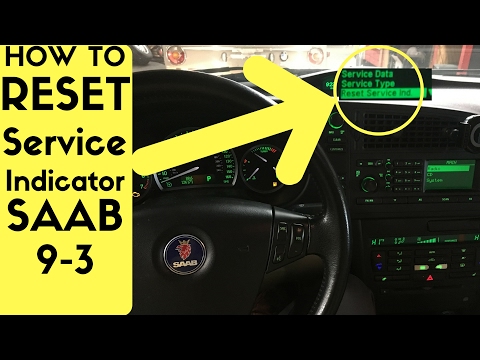
In this video, we can see how to reset the service light on a Saab 9-3 MK1: turn on the instrument panel so that all the dashboard lights can illumin…
Saab 9 3
(2002-2014 /
MK 2)
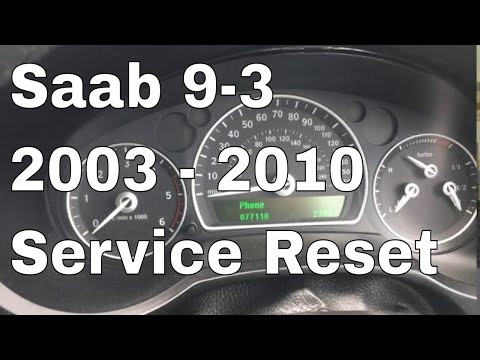
After performing the service with an oil change on the Saab 9-3, you need to manually reset the warning light and the associated mileage count. To do…
Saab 9 3
(2002-2014 /
MK 2)
To reset the Service light on a Saab 9-3, turn on the ignition by inserting the key into the ignition barrel. Once the dashboard is illuminated, navi…
Other guides you may be interested in
|
How to Reset the AdBlue Warning Light on a Peugeot Boxer
To reset the AdBlue system on a 2018 Peugeot Boxer, follow these steps: Start the engine and ensure the vehicle is parked in a well-ventilated area. Locate the "MENU" button on the dashboard or steering wheel controls. Press and hold the "MENU" button until the menu options appear on the display. Use the arrow buttons or scroll wheel to access the "Vehicle Settings" or "Settings" menu. Select the "AdBlue" or "AdBlue System" option. Look for the "Recharge" or "Reset" option in the AdBlue menu. Once you find the reset option, select it and confirm your choice when prompted. The system will be reset, and a confirmation message may appear on the display. Turn off the engine and wait a few seconds. Restart the engine and check that the AdBlue system has been reset. by ScegliAuto More videos
|
|
For advertising on this site Write to info@scegliauto.com
ScegliAuto is not responsible for any inaccuracy of the data in the lists. To report any inaccuracy or your business (if you own the business in question), please write to info@scegliauto.com
Number of seconds to generate the page: 0.076
(c) ScegliAuto 2026 - info@scegliauto.com - Privacy policy VAT number: IT01247470535 |
