
|
Do it yourself
| |||
| ||||


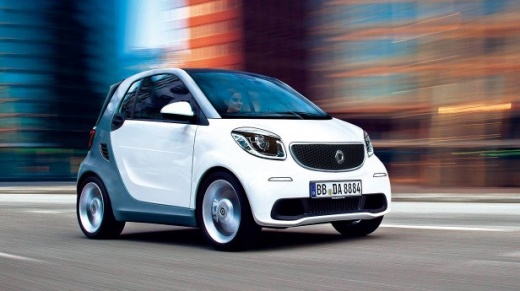
Replacing the Radio in a Smart Car
Model: Smart Smart
453
- Years:
2014, 2015, 2016, 2017, 2018, 2019, 2020, 2021, 2022
Video tutorial
Obtain a plastic wedge and remove the control panel located under the dashboard, prising it out from the surrounding gap. After doing this, disconnect the connector. As clearly shown in the video, remove the touch screen frame. By completing this step, you will have exposed the four T20 Torx screws that secure the screen: unscrew them. Remove the dashboard computer and disconnect the rear cables as well. For the installation of the new dashboard computer, simply proceed in reverse order. This is a very straightforward operation. Goodbye!
Updated on 9 May 2026 by ScegliAuto
Related tutorials
Smart
(2007-2015 /
451)
In this video, you can see how to replace the radio speakers located in the front door of the 2008 Smart 451. First, if you cannot remove the entire …
Smart
(2014-2022 /
453)
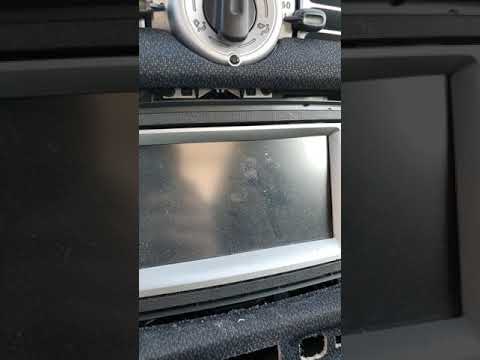
Use a plastic trim tool to remove the button panel at the back of the radio. With a screwdriver, unscrew the screws located in the dashboard slot. No…
Smart
(2007-2015 /
451)
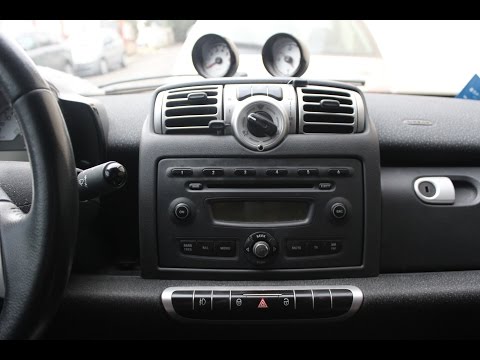
In this video, learn how to remove the car radio from the centre console on a Smart Fortwo. First, use a plastic lever to remove the button panel fro…
Other guides you may be interested in
|
Frequently Asked QuestionsLocation of the Jack and Spare Wheel of the Toyota Yaris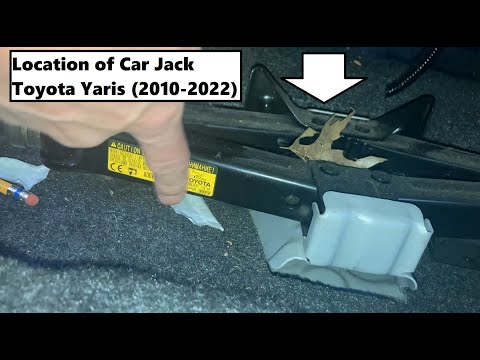
In the unfortunate event that one of the wheels of the Toyota Yaris is punctured, it is useful to know the location of the lifting jack, the spare wheel, the tool to operate the jack, and to unscrew the wheel bolts. The jack is located under the driver's seat, secured to a bracket and protected by a plastic cover, which you can remove by acting on the fixing clips. The spare wheel is located under the floor panel of the boot, secured to the floor by a threaded plastic flange, alongside which you will find the tool, consisting of a bent bar, which is used to operate the jack on one side and to remove the wheel on the other. by ScegliAuto More videos
|
|
For advertising on this site Write to info@scegliauto.com
ScegliAuto is not responsible for any inaccuracy of the data in the lists. To report any inaccuracy or your business (if you own the business in question), please write to info@scegliauto.com
Number of seconds to generate the page: 0.086
(c) ScegliAuto 2026 - info@scegliauto.com - Privacy policy VAT number: IT01247470535 |
