
|
Do it yourself
| |||
| ||||


Remove the front bumper of the Smart Fortwo 451
Model: Smart Smart
451
- Years 2007-2015
In this guide we will find out how to remove and replace the front bumper or panel of the Smart Fortwo 451, following these simple steps. First of all, let's start by removing the front panel of our car, by releasing the levers that we find on the front of the car; after which we unscrew all the fixing screws of our bumper, which we find on the upper and lower part of the same, using a torx screwdriver and a socket wrench. At this point we unscrew the screws that we find on both sides of the wheel arches to disassemble and permanently remove the bumper!
Posted on 29 July 2022 by ScegliAuto
Video tutorial
Related tutorials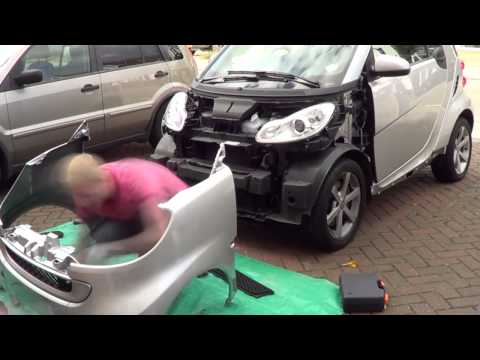
Smart
(2007-2015 /
451)
In today's video tutorial we will see the main steps that will allow us to remove the front bumper on the Smart Fortwo 451, second generation. First …
Smart
(2007-2015 /
451)
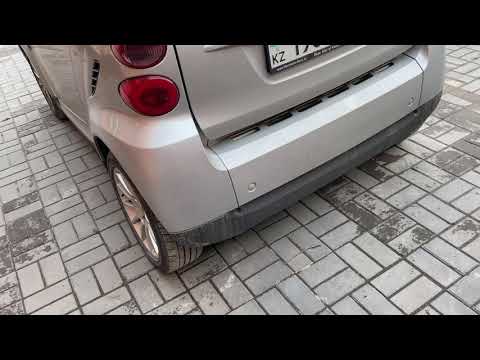
Before we begin, we will need to open the tailgate of the luggage compartment of our Smart ForTwo. So let's start by unscrewing and removing the scre…
Smart
(2007-2015 /
451)
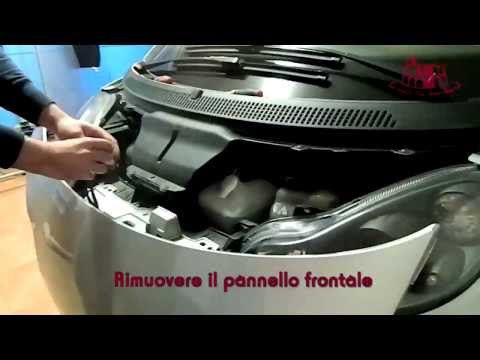
How to remove the front bumper of a Smart Fortwo? Follow these steps: open the plastic levers located at the sides of the front grille with your hand…
Other guides you may be interested in
|
How to Pair Smartphone with Bluetooth System on Fiat Tipo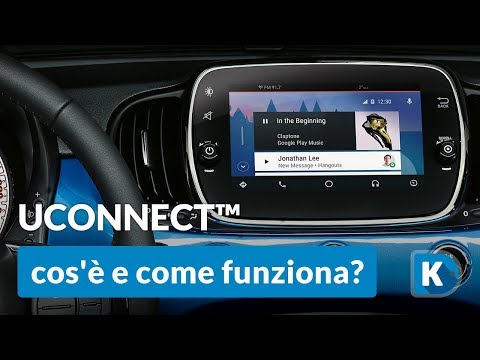
Here’s how to pair your smartphone with the Bluetooth system of the Fiat Tipo's car radio: activate the Bluetooth on your smartphone and set the car radio to connect with the external device. When the car's multimedia system detects your smartphone's Bluetooth, confirm and click on the 'new cell' option. Once the system has detected the smartphone, enter the pairing password if necessary. Finally, download the app on your smartphone and confirm the pairing with the car's multimedia system. Now your smartphone is connected to your car. by ScegliAuto More videos
|

|
For advertising on this site Write to info@scegliauto.com
ScegliAuto is not responsible for any inaccuracy of the data in the lists. To report any inaccuracy or your business (if you own the business in question), please write to info@scegliauto.com
Number of seconds to generate the page: 0.060
(c) ScegliAuto 2026 - info@scegliauto.com - Privacy policy VAT number: IT01247470535 |
