
|
Do it yourself
| |||
| ||||


How to replace the battery in the remote control of the Smart ForTwo?
Model: Smart Smart
451
- Years 2007-2015
Replacing the battery of the Smart ForTwo remote control is very simple, let's see how to proceed in this video. For this operation we need a small flat-tip screwdriver and a 3v CR2016 type replacement battery. To open the remote control, insert the tip of the screwdriver into the indicated slot, located in the upper part of the ring, and pry it up. Once fully opened, remove the old battery again with the help of the screwdriver and insert the new one, taking care to place it with the positive pole facing downwards. Finally, we reposition the rear door.
Posted on 6 August 2022 by ScegliAuto
Video tutorial
Related tutorials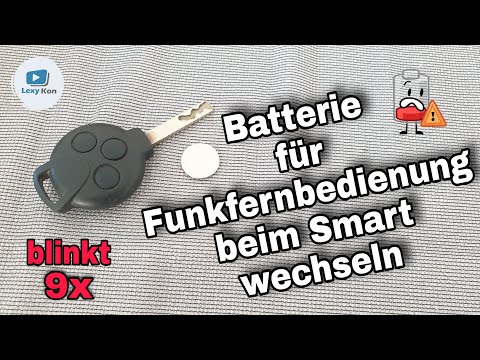
Smart
(2007-2015 /
451)
In today's video we see a very simple maintenance operation, or how to replace the battery of the remote control of the second series of the Smart Fo…
Smart
(2007-2015 /
451)
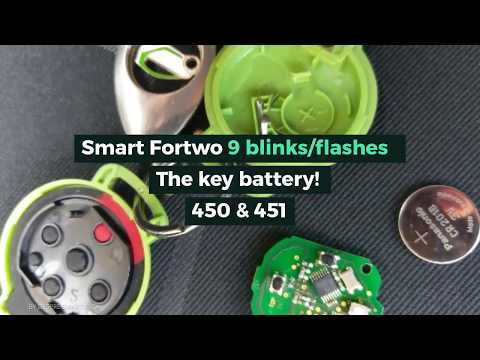
Let's see today, in this short and simple guide, how to remove and replace the remote control battery of the Smart Fortwo key. First we take our remo…
Smart
(2014-2022 /
453)
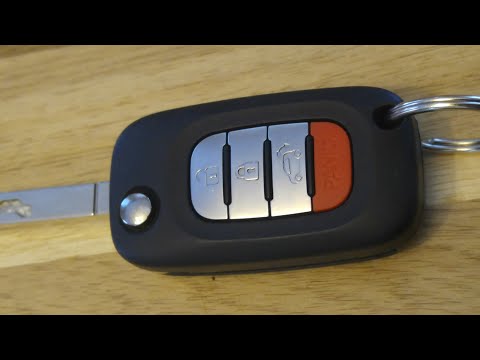
In this short video we will see how to replace the remote control battery of the New Smart ForTwo 453. The procedure is very simple, let's prepare a …
Other guides you may be interested in
|
Frequently Asked QuestionsHow to Replace the Battery on a Volkswagen Polo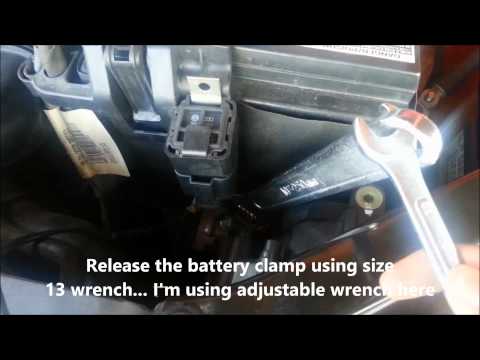
When your vehicle won't start and makes noises similar to electrical contacts, the cause is likely the battery. Release the bonnet using the appropriate lever and lift it to secure it with the prop rod. First, check the condition of your battery, then disconnect the terminals, starting with the negative one. Next, unclip the brackets securing the battery on both sides, then unscrew the bolts on the sides of the battery base to remove the brackets holding it in place. Install the new battery, and you're done! by ScegliAuto More videos
|

|
For advertising on this site Write to info@scegliauto.com
ScegliAuto is not responsible for any inaccuracy of the data in the lists. To report any inaccuracy or your business (if you own the business in question), please write to info@scegliauto.com
Number of seconds to generate the page: 0.101
(c) ScegliAuto 2026 - info@scegliauto.com - Privacy policy VAT number: IT01247470535 |
