
|
Do it yourself
| |||
| ||||


How to Replace the Clutch on a Smart 451?
Model: Smart Smart
451
- Years 2007-2015
To replace the clutch on a Smart 451, access the engine compartment located directly under the rear hatch. You will need to loosen the bolts securing the clutch cover and disconnect the various connectors attached to it. Once the clutch is removed and any obstructing parts can also be taken out, slide off the cover of the clutch housing so that the underlying clutch can be removed and replaced with a new one. After installing the new part, refit all the removed components.
Updated on 9 June 2026 by ScegliAuto
Video tutorial
Related tutorials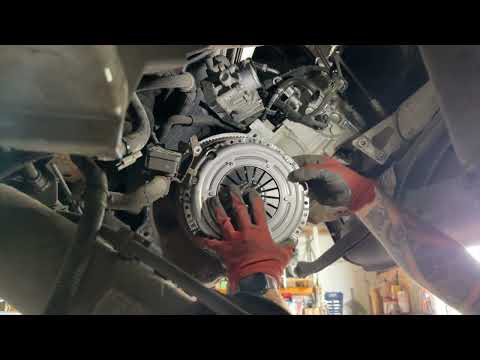
Smart
(2007-2015 /
451)
To replace the clutch on a Smart 451, access the engine compartment, located directly under the rear tailgate. Here, you will need to loosen the bolt…
Smart
(2007-2015 /
451)
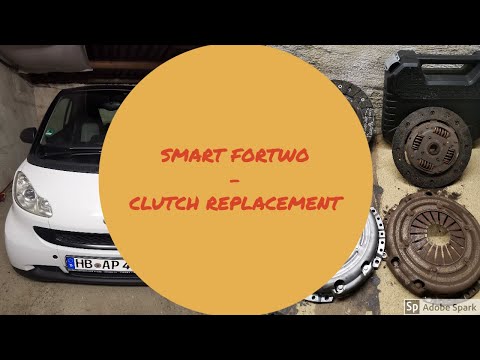
In today's tutorial video, you will see the main steps to remove and replace the clutch on a Smart Fortwo 451 1.0 MHD. To access the clutch, first re…

Smart
(2007-2015 /
451)
In this video, we can see how to replace the clutch actuator of the Smart 451. The youtuber purchased a Sachs actuator, which can be found on the web…
Other guides you may be interested in
|
How to Reset the Central Locking of the Volkswagen Golf 4?
If the central locking system of the Volkswagen Golf 4 is not working, it is likely necessary to reset the system: to do this, open the driver's door and detach the side panel of the dashboard next to the steering wheel. Under this panel, you will find the fuses, including the one for the central locking, which is indicated in the manual as number 14. To reset the system, remove this fuse from its housing, then reinsert it or replace it with a new one of the same amperage: this will reset the central locking system. by ScegliAuto More videos
|

|
For advertising on this site Write to info@scegliauto.com
ScegliAuto is not responsible for any inaccuracy of the data in the lists. To report any inaccuracy or your business (if you own the business in question), please write to info@scegliauto.com
Number of seconds to generate the page: 0.190
(c) ScegliAuto 2026 - info@scegliauto.com - Privacy policy VAT number: IT01247470535 |
