
|
Do it yourself
| |||
| ||||


How to disable ESP on Smart Fortwo
Model: Smart Smart
451
- Years 2007-2015
Let's briefly see in this guide the steps that will allow us to disable the ESP system or traction control on the Smart Fortwo; it is recommended never to disable the ESP system in order not to jeopardize driving safety. Then we get on board the car and press, holding down, the button located on the left of the instrument panel; so let's turn on the ignition, turning the key to position one, as shown in the video. At this point we wait about ten seconds with the button pressed, until the triangle light starts flashing; in this way we will have disabled the ESP!
Posted on 21 December 2022 by ScegliAuto
Video tutorial
Related tutorials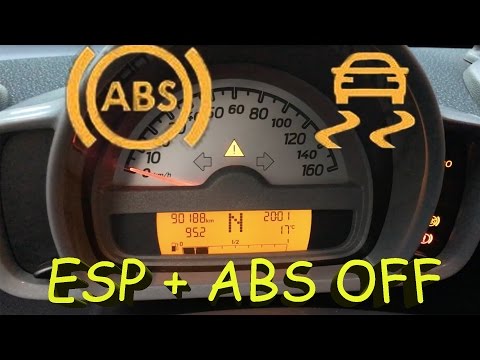
Smart
(2007-2015 /
451)
In this tutorial we can see how to disable the ESP system in the Smart ForTwo 451. First of all we note that this procedure will also disable the ABS…
Smart
(1998-2007 /
450)
In this video we can see how to disable the ESP system in the Smart ForTwo 450, valid for each version of this model. Since there is no dedicated com…
Smart
(2007-2015 /
451)
Let's see in this short video tutorial how to disable the traction control on a Smart Fortwo second series; walking without traction control can be d…
Other guides you may be interested in
|
Frequently Asked QuestionsHow to Replace the Front Headlight of a Toyota Aygo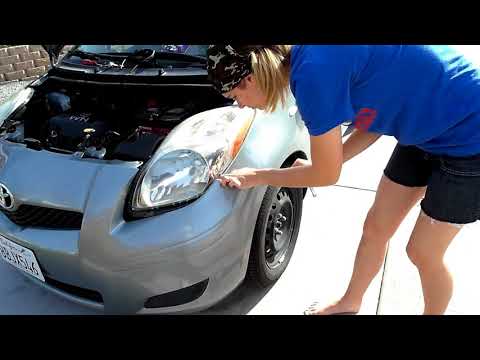
To carry out this operation, you will need to release the bonnet from the appropriate lever to lift it and secure it with the prop rod. Disconnect the battery terminals to protect any more delicate circuits, then proceed to unscrew all the bolts securing the bumper and the headlights themselves, as there are additional bolts behind the bumper to remove. Disconnect the connectors at the back of each headlight to extract it, and in this way, you can install the new headlight. Reverse the steps described for reassembling the various components. by ScegliAuto More videos
|

|
For advertising on this site Write to info@scegliauto.com
ScegliAuto is not responsible for any inaccuracy of the data in the lists. To report any inaccuracy or your business (if you own the business in question), please write to info@scegliauto.com
Number of seconds to generate the page: 0.125
(c) ScegliAuto 2026 - info@scegliauto.com - Privacy policy VAT number: IT01247470535 |
