
|
Do it yourself
| |||
| ||||


How to Install the Rev Counter on a Smart?
Model: Smart Smart
451
- Years 2007-2015
To install the rev counter on a Smart, use an object to lever off the cover located on the top of the central dashboard panel: beneath this cover, you will find the connectors to which the rev counter needs to be connected. Once connected, secure it in its housing with the appropriate fixing screws; then, once secured, cover everything with the central panel that was removed earlier, ensuring everything functions correctly.
Updated on 16 August 2026 by ScegliAuto
Video tutorial
Related tutorials
Smart
(2007-2015 /
451)
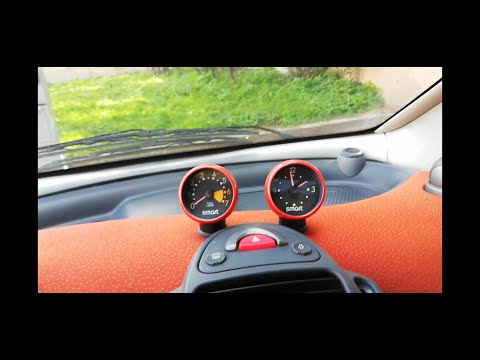
In this guide, you will find the instructions to install the rev counter and clock on the dashboard of a Smart Fortwo. First, get inside the cabin an…
Smart
(1998-2007 /
450)
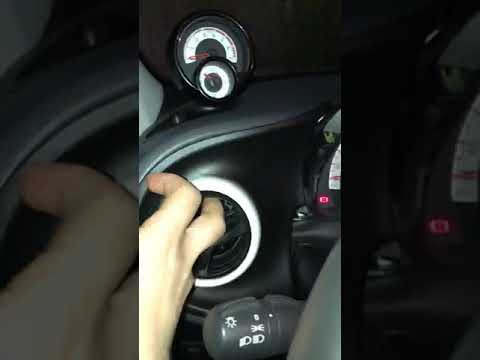
To remove the rev counter from a Smart, use a flat screwdriver to lever in the groove that separates the panel with the hazard light button from the …
Smart
(2014-2022 /
453)
If you would like to install a rev counter on your automatic Smart 453, this system is really very simple. You can find this rev counter on eBay with…
Other guides you may be interested in
|
Frequently Asked QuestionsHow to Replace the Remote Battery for the Volvo XC40?
In this tutorial, you will see how to replace the battery in the remote for the Volvo XC40, a very simple and quick operation. For this, you will need a replacement battery of type CR2032 and possibly a small flathead screwdriver. First, remove the front cover by pressing the button on the metal ring, then locate the second button, press it as well, and remove the opposite cover. Next, open the circular cap, take out the old battery, and insert the new one in the opposite direction. Finally, reassemble everything. by ScegliAuto More videos
|

|
For advertising on this site Write to info@scegliauto.com
ScegliAuto is not responsible for any inaccuracy of the data in the lists. To report any inaccuracy or your business (if you own the business in question), please write to info@scegliauto.com
Number of seconds to generate the page: 0.120
(c) ScegliAuto 2026 - info@scegliauto.com - Privacy policy VAT number: IT01247470535 |
