
|
Do it yourself
| |||
| ||||


How to Remove the Rear Bumper of the Smart
Model: Smart Smart
450
- Years 1998-2007
Removing the rear bumper, and indeed the entire bodywork of this fantastic city car, is quite simple: it mainly involves unscrewing the 7 screws that hold it in place. There are two screws at the end of the wing, near the wheel, three along the bonnet closure line that can be unscrewed without opening it, and finally the last two at the ends of the lower trim. Once all screws are removed, carefully release the pressure clips to complete the removal and take off the bumper.
Updated on 25 February 2026 by ScegliAuto
Video tutorial
Related tutorials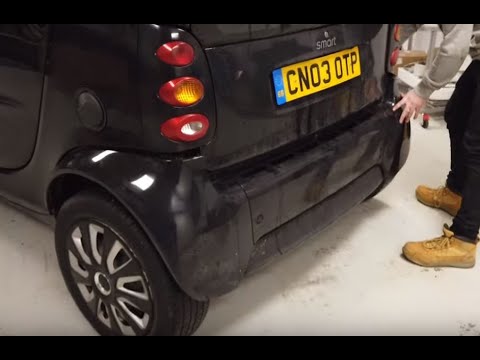
Smart
(1998-2007 /
450)
Removing the rear bumper from a Smart Fortwo? Disassemble the piece in all its parts. Unscrew the fastening screws located in the holes of the rear b…
Smart
(1998-2007 /
450)
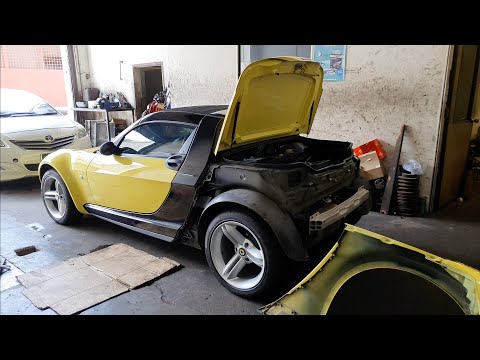
Want to remove the bumper from your Smart? Here’s how to take off the bumper from the Smart Roadster. Open the rear engine compartment and lift the c…
Smart
(2007-2015 /
451)
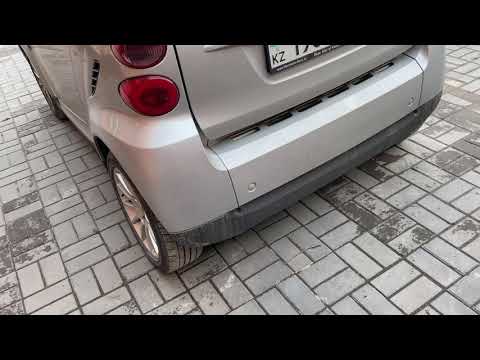
Before starting, open the rear hatch of the boot on your Smart ForTwo. Start by unscrewing and removing the screws that secure the rear bumper to the…
Other guides you may be interested in
|
How to Reset the Tyre Pressure Warning Light on the Hyundai Tucson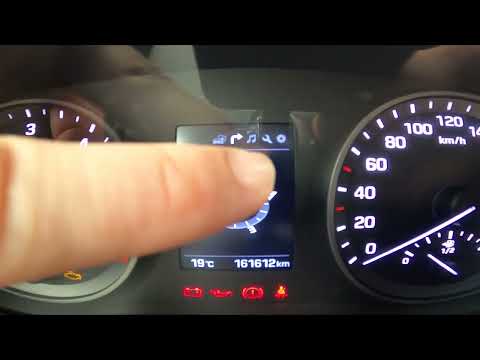
Today, we will discover the instructions that will allow you to reset the tyre pressure warning light (TPMS) on the Hyundai Tucson; before performing the reset, ensure that all four tyres are at the correct operating pressure. Then, get in the vehicle and start the ignition; next, navigate to the onboard computer settings using the controls on the steering wheel until you reach the tyre pressure monitoring section, as shown in the video. At this point, confirm and execute the reset of the TPMS warning light! by ScegliAuto More videos
|
|
For advertising on this site Write to info@scegliauto.com
ScegliAuto is not responsible for any inaccuracy of the data in the lists. To report any inaccuracy or your business (if you own the business in question), please write to info@scegliauto.com
Number of seconds to generate the page: 0.483
(c) ScegliAuto 2026 - info@scegliauto.com - Privacy policy VAT number: IT01247470535 |
