
|
Do it yourself
| |||
| ||||


How to reset the TPMS light on the Subaru Forester
Model: Subaru Forester
MK 4, SJ
- Years 2012-2019
The TPMS warning light on a Subaru Forester vehicle may come on when it is necessary to adjust tire pressure or when one of the tires is flat. In both cases, it is necessary to adjust the tire pressure as indicated by the manufacturer and then reset the warning light. To reset this type of vehicle, it is necessary to use a diagnostic computer connected to the Forester's OBD2 port. From the menu that opens on the onboard computer, select the model and year of production of the vehicle, then select the option related to tire pressure and complete the reset. Finally, turn off and on the ignition before disconnecting everything.
Posted on 11 July 2024 by ScegliAuto
Video tutorial
Related tutorials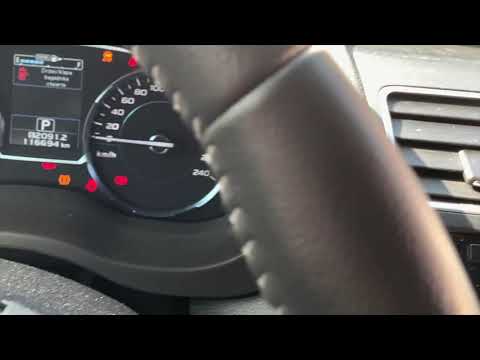
Subaru Forester
(2012-2019 /
MK 4, SJ)
This brief video tutorial shows how to reset the TPMS (Tyre Pressure Monitoring System) light on a fourth-generation Subaru Forester, model years 201…

Subaru Forester
(2012-2019 /
MK 4, SJ)
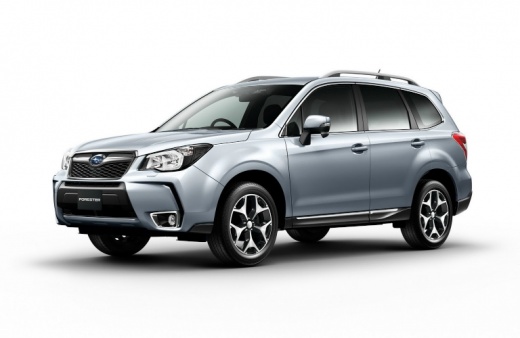
In the following guide, you will find the description of the steps you need to take to correctly complete the TPMS warning light reset procedure on t…

Subaru Forester
(2018-2025 /
MK 5, SK)
The following steps will allow us to reset the service light for the regular maintenance of the engine oil change for the Subaru Forester. First, let…
Other guides you may be interested in
|
How to reset the tyre pressure warning light on the Suzuki Jimny?
To reset the tyre pressure warning light on the Suzuki Jimny, first inflate the tyres to the pressure value indicated on the corresponding sticker: this is located at the bottom of the driver's door pillar. Once the tyres are inflated, insert the ignition key and turn on the instrument panel: select the screen that indicates the tyre pressures, checking that the values change. After a few seconds, the tyre pressure warning light will automatically turn off. by ScegliAuto More videos
|
|
For advertising on this site Write to info@scegliauto.com
ScegliAuto is not responsible for any inaccuracy of the data in the lists. To report any inaccuracy or your business (if you own the business in question), please write to info@scegliauto.com
Number of seconds to generate the page: 0.486
(c) ScegliAuto 2026 - info@scegliauto.com - Privacy policy VAT number: IT01247470535 |
