
|
Do it yourself
| |||
| ||||


How do you replace the car radio in the Suzuki Swift?
Model: Suzuki Swift
MK 4, Rs41
- Years 2004-2010
The car radio included in vehicles that are now a few years old is undoubtedly lacking the latest options, such as Bluetooth, touchscreen display, and more. The most suitable solution is to replace it with a newer device that includes more functions. By following the video guide and verbal description available, we can proceed with the work: Access the rear wiring of the installed car radio by removing the glove compartment, disconnect the connectors, and release the fixing clips of the radio, in order to extract it from the dashboard. After doing this, remove the air conditioning vents and finally install the new car radio, also restoring the frame and vents. Job done.
Posted on 4 October 2024 by ScegliAuto
Video tutorial
Related tutorials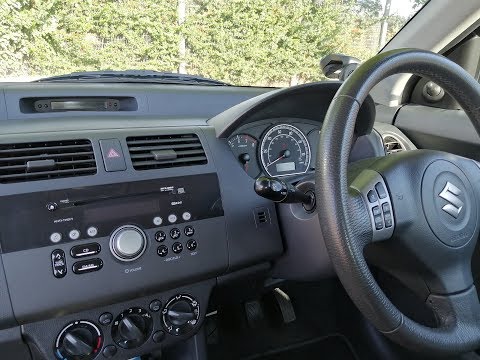
Suzuki Swift
(2004-2010 /
MK 4, Rs41)
Replace the radio in the Suzuki Swift if damaged. Here’s how to remove it. Open the glove compartment, remove the cover plastics, and unscrew the sid…
Suzuki Swift
(2010-2017 /
Rs41, AZG, MK 5)
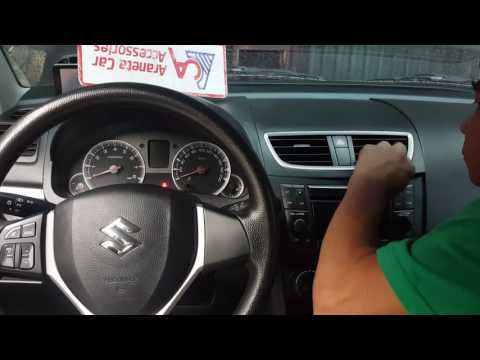
In this video tutorial, you will learn how to remove the radio and the centre console panel from a third-generation Suzuki Swift by following these s…

Suzuki Swift
(2010-2017 /
Rs41, AZG, MK 5)
Below we will discover the instructions that will allow us to disassemble and replace the factory radio of the Suzuki Swift. First, we get into the c…
Other guides you may be interested in
|
How to Open a Stuck Boot on the Peugeot 407?
On the Peugeot 407, the boot may become stuck, possibly due to a problem with the control button or the lock actuator. In such cases, you can perform an emergency opening by following the simple procedure shown in this tutorial. First, open the rear doors, then lower the seat back by operating the release lever. Next, go inside the boot, locate the lock, and manually operate it using a flathead screwdriver. The boot will then be free to open. by ScegliAuto More videos
|
|
For advertising on this site Write to info@scegliauto.com
ScegliAuto is not responsible for any inaccuracy of the data in the lists. To report any inaccuracy or your business (if you own the business in question), please write to info@scegliauto.com
Number of seconds to generate the page: 0.188
(c) ScegliAuto 2026 - info@scegliauto.com - Privacy policy VAT number: IT01247470535 |
