
|
Do it yourself
| |||
| ||||


How to Add Coolant to the Tata Magic Iris
Model: Tata Magic Iris
MK 1
- Years 2010-2017
In this video, you will learn how to add coolant to the Tata Magic Iris. Perform this check with the vehicle off, the engine cold, and parked on a level surface. First, open the hood and prop it up securely. Now let's proceed to the actual check. To check the coolant level, simply look at the level in the semi-transparent reservoir, called the expansion tank. Open the cap and pour in the necessary amount of coolant. Once the required level is reached, replace the cap on the expansion tank and close the hood.
Updated on 27 July 2026 by ScegliAuto
Video tutorial
Related tutorials
Tata Magic Iris
(2010-2017 /
MK 1)
Let's see how to replace the driveshaft on the Tata Magic Iris, a vehicle with relatively simple mechanics that suffered significant damage to this v…

Tata Magic Iris
(2010-2017 /
MK 1)
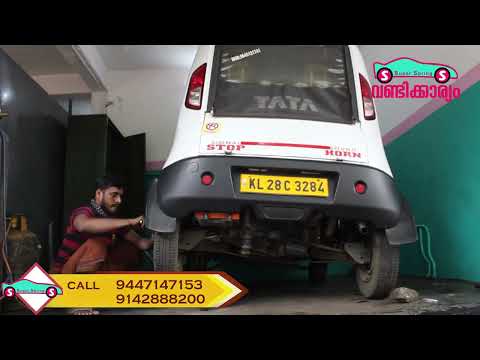
To replace the battery on a Tata Magic Iris, lift the vehicle with a jack so that the left rear wheel is off the ground. Once lifted, loosen the bolt…
Tata Magic Iris
(2010-2017 /
MK 1)
To replace the rear suspension spring on a Tata Magic Iris, lift the vehicle so that the corresponding wheel is off the ground. Once the vehicle is l…
Other guides you may be interested in
|
How to Replace the Diesel Filter of the Peugeot 3008 1.5 BlueHDI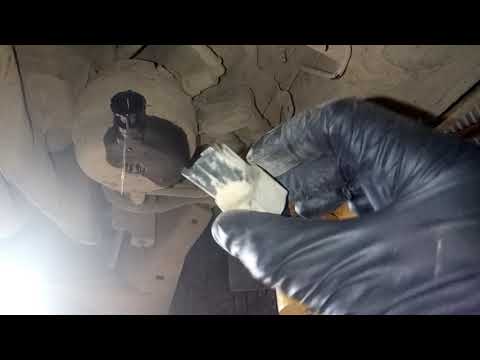
Briefly, we will see the main instructions for dismantling and replacing the diesel filter of the Peugeot 3008 1.5 BlueHDI. First, locate the diesel filter under the vehicle, so it will be necessary to lift it; then disconnect the electrical connector and the fuel lines from the filter, unscrewing the side screws to remove the cartridge, as shown in the video. At this point, replace the diesel filter with the new one, as well as with the original one; then reconnect the pipes and the electrical connector, following the video tutorial to the end! by ScegliAuto More videos
|

|
For advertising on this site Write to info@scegliauto.com
ScegliAuto is not responsible for any inaccuracy of the data in the lists. To report any inaccuracy or your business (if you own the business in question), please write to info@scegliauto.com
Number of seconds to generate the page: 0.173
(c) ScegliAuto 2026 - info@scegliauto.com - Privacy policy VAT number: IT01247470535 |
