
|
Do it yourself
| |||
| ||||


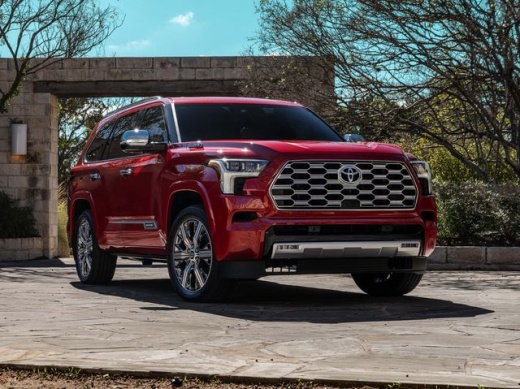
How to Reset the Maintenance Light on the 2026 Toyota Sequoia
Model: Toyota Sequoia
Xk80
- Years:
2022, 2023, 2024, 2025, 2026
Video tutorial
In this guide dedicated to all of you who own a 2026 Toyota Sequoia, you will find a description of all the steps you need to take to manually reset the maintenance light. First, get in the car and reach the driver’s seat, then turn on the instrument cluster and use the buttons on the left side of the steering wheel to access the vehicle settings screen. Next, select "Scheduled maintenance" and finally confirm the reset of the light to complete the procedure.
Posted on 21 November 2026 by ScegliAuto
Related tutorials
Toyota Sequoia
(2022-2026 /
Xk80)
Today we will explain how to reset the maintenance reminder for the oil light on a 2023 Toyota Sequoia. Before resetting the reminder, we recommend p…
Toyota Sequoia
(2022-2026 /
Xk80)
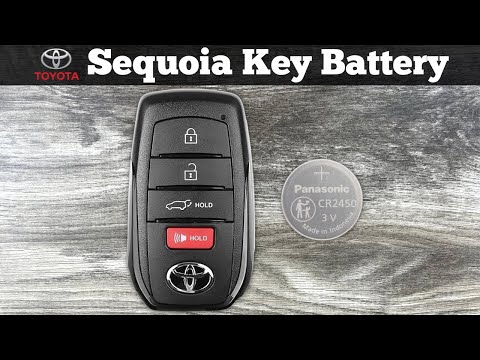
The procedure to replace the battery inside the key fob for the new Toyota Sequoia is nearly identical to that used in other Toyota models. Follow th…

Toyota Sequoia
(2008-2022 /
Xk60)
In this tutorial, we can see how to reset the tire pressure light in the Toyota Sequoia, an extremely simple and quick operation, to be performed onl…
ScegliAuto offers an extensive international collection of automotive tutorials available in 12 languages. Each guide combines instructional videos with original explanations written by experienced human editors, along with information about the car models covered.
Other guides you may be interested in
|
How to Reset the Air Conditioner on the Mercedes E-Class?
To reset the air conditioner on the Mercedes E-Class, turn on the ignition by inserting the key into the ignition switch. Once the ignition is on, press and hold the REST and 0 buttons located on the center panel of the dashboard. While holding these buttons, you will notice that the air conditioning settings will be restored to their default values. After the reset procedure is complete, you can turn off the ignition again by turning the key. by ScegliAuto More videos
|
|
For advertising on this site Write to info@scegliauto.com
ScegliAuto is not responsible for any inaccuracy of the data in the lists. To report any inaccuracy or your business (if you own the business in question), please write to info@scegliauto.com
Number of seconds to generate the page: 0.039
(c) ScegliAuto 2026 - info@scegliauto.com - Privacy policy - About us VAT number: IT01247470535 |
