
|
Do it yourself
| |||
| ||||


Replacing the Key Battery of a Toyota C-HR
Model: Toyota C Hr
Ax50, MK 1, Ax10
- Years 2016-2023
Locate the spring-loaded lever, push it, and extract the metal stem (key) with its plastic holder. Next, with the empty housing, open the shell, taking care not to damage it (use your hands and avoid metal tools). At this point, you will have two units, one with the button panel and the other with the electronic part. You will work on the latter. Carefully note how the electronic device is positioned, remove it from the housing, and you will find a CR 2032 button battery rated at 3V. Remove it from the housing and place the new battery in the exact same orientation as the old one. Reinsert the electronic device into its housing and close the two parts with a simple press of your fingers. Reinsert the metal stem with the holder into its housing and test the correct functioning of your work.
Updated on 1 May 2026 by ScegliAuto
Video tutorial
Related tutorials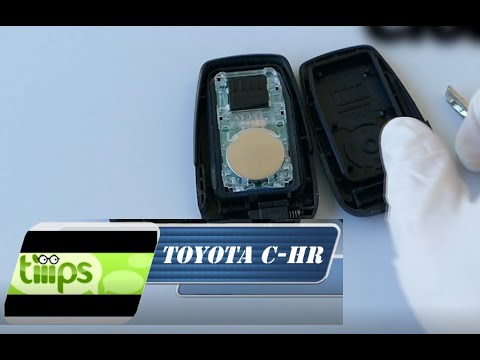
Toyota C Hr
(2016-2023 /
Ax50, MK 1, Ax10)
In this brief video tutorial, learn how to replace the remote battery of a Toyota CHR. To start, extract the physical key from the remote. Push the r…
Toyota C Hr
(2016-2023 /
Ax50, MK 1, Ax10)
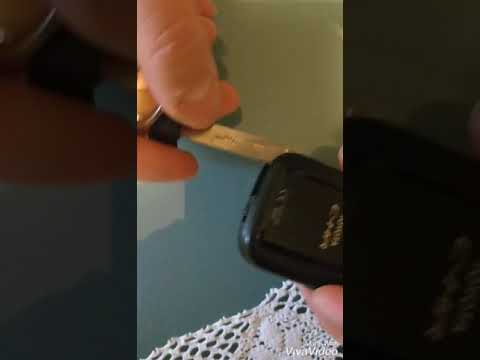
This short video tutorial shows how to change the battery of the key remote for a Toyota CHR. The operation is very simple and requires no tools. Tak…
Toyota C Hr
(2016-2023 /
Ax50, MK 1, Ax10)
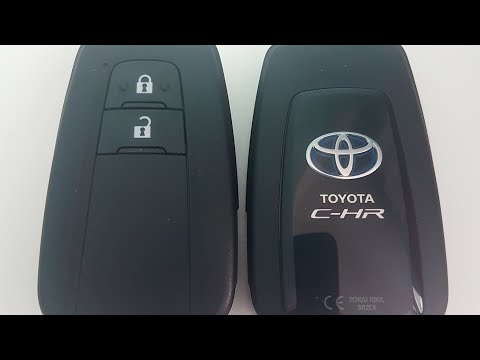
To replace the battery in your remote, locate the button on the bottom and extract the emergency blade. Holding the key with the Toyota symbol facing…
Other guides you may be interested in
|
How to Set the Clock on the Opel Zafira
Setting the clock to the current Italian time on an Opel Zafira model B is a very simple operation, also made easier by our short instructional video. The first step is to turn on the instrument panel and then press the SETTING button located on the central dashboard. Once inside the menu, use the buttons to navigate to the clock setting. Adjust the hours and minutes and restart the instrument panel. If the clock does not update, it may be necessary to diagnose the radio or the vehicle's control unit. by ScegliAuto More videos
|

|
For advertising on this site Write to info@scegliauto.com
ScegliAuto is not responsible for any inaccuracy of the data in the lists. To report any inaccuracy or your business (if you own the business in question), please write to info@scegliauto.com
Number of seconds to generate the page: 0.172
(c) ScegliAuto 2026 - info@scegliauto.com - Privacy policy VAT number: IT01247470535 |
