
|
Do it yourself
| |||
| ||||


How to Reset the ABS Warning Light on a Toyota Corolla Without Diagnostic Tools?
Model: Toyota Corolla
MK 3
- Years 2006-2013
Not everyone knows that many warning lights on the dashboard can be reset without diagnostic tools. The ABS warning light is one of these, and now you will see how to reset it on a 2009 Toyota Corolla. What you need to do is use a jumper to connect pins 13 and 4 (their location is shown in the video) on the diagnostic socket, then turn on the ignition and press the brake pedal 8 times within just 5 seconds, so you need to be quite quick. Turn off the ignition, remove the jumper, and start the engine to check if the warning light has been reset.
Updated on 11 June 2026 by ScegliAuto
Video tutorial
Related tutorials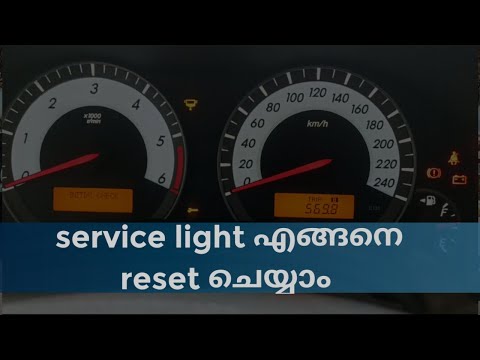
Toyota Corolla
(2006-2013 /
MK 3)
If you want to reset the service light that comes on the instrument cluster of your Toyota Corolla (2006-2013) independently and without needing a pr…
Toyota Corolla
(2006-2013 /
MK 3)
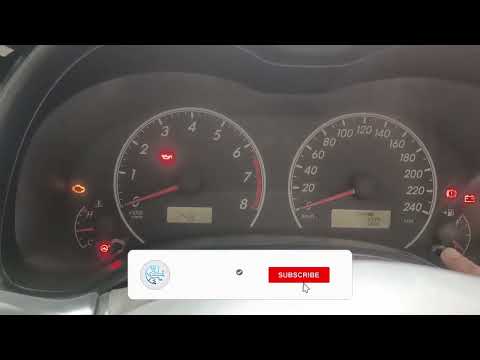
In this guide for all owners of a Toyota Corolla Mk3 (2012), you will learn how to manually reset the orange engine light. With this guide, you can c…

Toyota Corolla
(2013-2019 /
MK 4, E170, E160)
The Toyota Corolla features, like all modern cars, the OBD diagnostic port inside. This port is used to connect the car to a diagnostic computer, thr…
Other guides you may be interested in
|
How to Reset the Central Locking of the Volkswagen Golf 4?
If the central locking system of the Volkswagen Golf 4 is not working, it is likely necessary to reset the system: to do this, open the driver's door and detach the side panel of the dashboard next to the steering wheel. Under this panel, you will find the fuses, including the one for the central locking, which is indicated in the manual as number 14. To reset the system, remove this fuse from its housing, then reinsert it or replace it with a new one of the same amperage: this will reset the central locking system. by ScegliAuto More videos
|
|
For advertising on this site Write to info@scegliauto.com
ScegliAuto is not responsible for any inaccuracy of the data in the lists. To report any inaccuracy or your business (if you own the business in question), please write to info@scegliauto.com
Number of seconds to generate the page: 0.483
(c) ScegliAuto 2026 - info@scegliauto.com - Privacy policy VAT number: IT01247470535 |
