
|
Do it yourself
| |||
| ||||


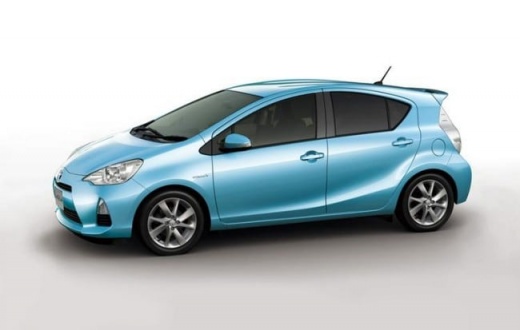
How to Clean the Fan Filter in a Toyota Prius C Aqua?
Model: Toyota Prius C Aqua
MK 1
- Years:
2011, 2012, 2013, 2014, 2015, 2016, 2017, 2018, 2019, 2020, 2021
Video tutorial
Cleaning the fan filter in a Toyota Prius C Aqua is not a complicated task. On the contrary, it is easy to perform, requires little time, and only a few tools. You will need a tool to remove the clips and a vacuum cleaner. A low-power vacuum or one specifically designed for cars will work fine. Start by removing the three clips as shown in the video. Since they can sometimes break, it's a good idea to buy a few spares before starting. Once done, remove the panel and vacuum the fan to clean it of dust, hair, and anything that could clog it. When finished, reposition the panel and replace the clips.
Updated on 3 July 2026 by ScegliAuto
Related tutorials
Toyota Prius C Aqua
(2011-2021 /
MK 1)
The cabin air filter should be replaced approximately once a year or every 15,000 miles, whether it is for a Toyota Prius C Aqua or any other car. Th…
Toyota Prius C Aqua
(2011-2021 /
MK 1)
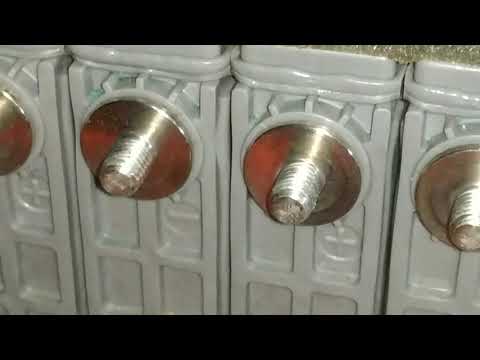
Not everyone knows there is a very simple way to keep the battery cell terminals on the Toyota Prius C Aqua clean and efficient without spending a lo…
Toyota Prius C Aqua
(2011-2021 /
MK 1)
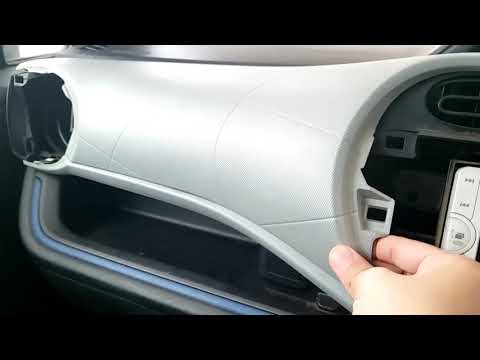
Here are the main instructions for removing and replacing the central plastic cover of the dashboard on a Toyota Prius C Aqua. First, get inside the …
Other guides you may be interested in |
How to reset the tyre pressure warning light on the Kia Niro EV?
To reset the tyre pressure warning light on the Kia Niro EV, inflate the tyres until they reach the correct pressure value. This value is indicated on the sticker attached to the driver's door pillar. Once the tyres are inflated, turn on the instrument cluster to check that the warning light has completely disappeared from the display. If it is still present, you may need to drive for a few miles to ensure it disappears completely from the screen. by ScegliAuto More videos
|
|
For advertising on this site Write to info@scegliauto.com
ScegliAuto is not responsible for any inaccuracy of the data in the lists. To report any inaccuracy or your business (if you own the business in question), please write to info@scegliauto.com
Number of seconds to generate the page: 0.009
(c) ScegliAuto 2026 - info@scegliauto.com - Privacy policy VAT number: IT01247470535 |
