
|
Do it yourself
| |||
| ||||


How to Reset the Oil Change Service Light on a Yamaha Xmax 300
Model: (Various brands) Various
Video tutorial
Once you have changed the oil and filter on this scooter, you need to proceed as follows to clear the service indication present on the dashboard. Use the images from the video and this description for assistance. First, turn on the ignition, press and hold the button located on the right front of the handlebars for at least 5 seconds until the oil change indicator starts to flash. At this point, release the button and press it again for at least 15 seconds, after which the light will be updated and turned off.
Updated on 3 July 2026 by ScegliAuto
Related tutorials
(Various brands) Various
Whenever you change the engine oil on this type of motorcycle, you must also reset the service light that appears on the dashboard. The description b…
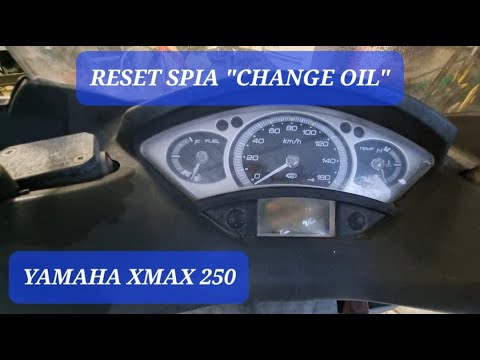
(Various brands) Various
Resetting the oil light on the 2007 Yamaha Xmax 250 is a very simple operation that you can carry out independently. It is important to reset the lig…
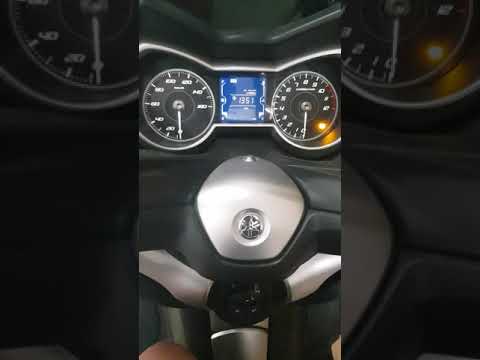
(Various brands) Various
If you have changed the engine oil and filter on this scooter model, you need to update and reset the service indicator that has illuminated on the d…
Other guides you may be interested in
|
Frequently Asked QuestionsHow to open the boot if it is stuck on a Mercedes B-Class?
On the Mercedes B-Class, the boot may become stuck, possibly due to a problem with the control button or the lock actuator. In this case, perform the emergency opening by following the simple procedure shown in this tutorial. First, unlock the locks with the remote control, then open the rear doors and, by operating the indicated lever, lower the backrest of the seat. Next, go inside the boot, locate the indicated gap, and manually unlock the lock using a small screwdriver. by ScegliAuto More videos
|
For advertising on this site Write to info@scegliauto.com
ScegliAuto is not responsible for any inaccuracy of the data in the lists. To report any inaccuracy or your business (if you own the business in question), please write to info@scegliauto.com
Number of seconds to generate the page: 0.053
(c) ScegliAuto 2026 - info@scegliauto.com - Privacy policy VAT number: IT01247470535 |
