
|
Do it yourself
| |||
| ||||


How to Reset the Service Light on Piaggio Beverly 300/400 HPE
Model: (Various brands) Various
Resetting the service light on Piaggio Beverly 300/400 HPE models is a very simple operation. Start by placing the scooter, turned off, on its stand and proceed to turn on the instrument panel. Continue by pressing and holding the SAT button located on the dashboard until you see the spanner icon flashing on the display. When the icon stops flashing, the reset has been successfully completed. The service light reset should only be performed after you have had a complete service carried out by an authorised workshop.
Updated on 6 September 2026 by ScegliAuto
Video tutorial
Related tutorials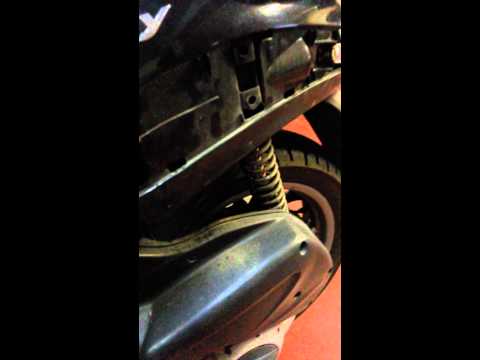
(Various brands) Various
In this video, you will learn how to open the seat of the Piaggio Beverly 300 without the battery. The operation is very simple. Once you confirm tha…
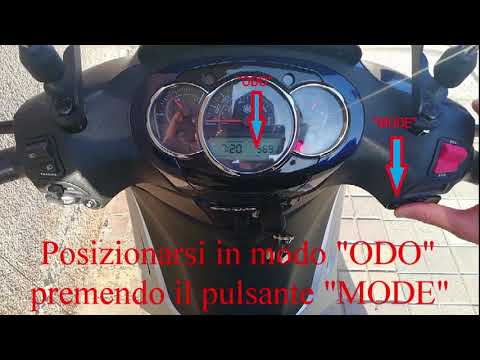
(Various brands) Various
In this video tutorial, you can see how to set the clock on the Beverly 300 scooter. For safety reasons, the clock can only be set when the vehicle i…
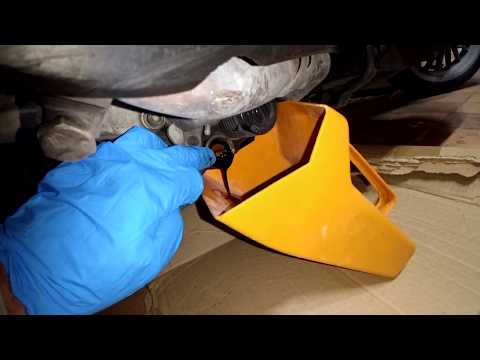
(Various brands) Various
If you want to replace the engine oil on this scooter model, it will be helpful to consult the description provided below and watch the video images …
Other guides you may be interested in
|
Frequently Asked QuestionsHow to Replace the Cabin Filter on the Opel Grandland X
If you own an Opel Grandland X and want to know the steps to replace the cabin air filter, carefully read the following guide and follow the described steps. First, enter the vehicle and go to the passenger side. Then, locate the box containing the air filter in the lower side area of the dashboard. Remove the cover of the box and finally replace the old filter with the new one. Refit the cover, and you are done. by ScegliAuto More videos
|
|
For advertising on this site Write to info@scegliauto.com
ScegliAuto is not responsible for any inaccuracy of the data in the lists. To report any inaccuracy or your business (if you own the business in question), please write to info@scegliauto.com
Number of seconds to generate the page: 0.070
(c) ScegliAuto 2026 - info@scegliauto.com - Privacy policy VAT number: IT01247470535 |
