
|
Do it yourself
| |||
| ||||


How to Remove and Install the Centre Console in a 2006 Volkswagen Polo
Model: Volkswagen Polo
MK IV, Polo IV, Polo 4, MK 4, 9N
- Years 2001-2009
This video shows how to easily and quickly remove and install the centre console of a 2006 Volkswagen Polo. First, unclip and remove the plastic trim pieces (first the lower one and then the side ones), and finally, remove and disconnect the radio. Next, unclip and remove the upper plastic trim piece and the air vents. This process does not take much time or require specific tools. After completing your cleaning, maintenance, or replacement tasks, you can reassemble everything simply by following the same steps in reverse.
Updated on 4 April 2026 by ScegliAuto
Video tutorial
Related tutorials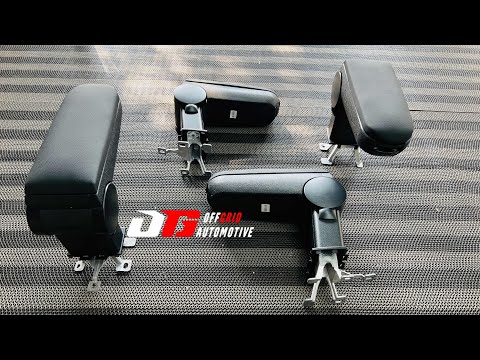
Volkswagen Polo
(2009-2017 /
Polo 5, Polo V, MK 5, MK V, 6R)
In this video, see how to install the front centre armrest on our Volkswagen Polo: we couldn't find the exact model shown in the video, but we can re…
Volkswagen Polo
(2009-2017 /
Polo 5, Polo V, MK 5, MK V, 6R)
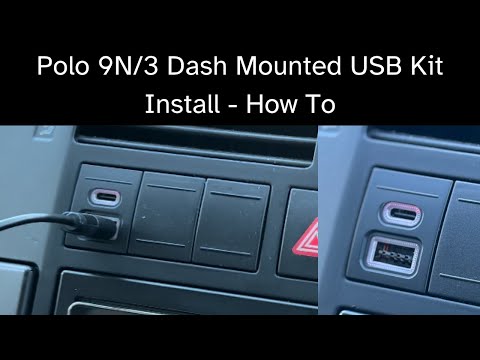
Good morning, today’s goal is to remove the button from the centre console of a Volkswagen Polo. Start by sitting in the driver's seat of the car. Ne…
Volkswagen Polo
(2001-2009 /
MK IV, Polo IV, Polo 4, MK 4, 9N)
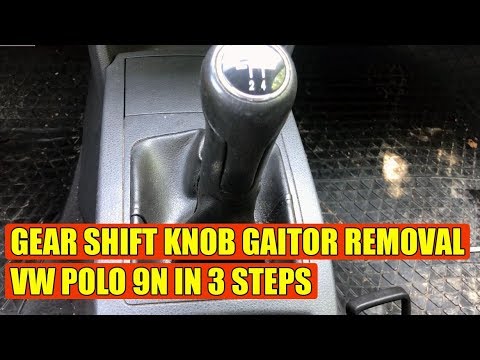
Replace the gear knob on a Volkswagen Polo. Remove it if damaged or if you want to replace it with another. Use a plastic lever to disconnect the lea…
Other guides you may be interested in
|
How to Reset the Tyre Pressure Light on the Opel Grandland X
While driving, if you notice the tyre pressure warning light coming on, first check the actual inflation pressure of the tyres and, if necessary, restore the pressures recommended by the manufacturer. After restoring the correct pressures, you need to reset the warning light that has illuminated on the instrument cluster. To do this, locate the reset button on the lower central console. Press this button and hold it down for at least 3 seconds, after which the low pressure indication will turn off. by ScegliAuto More videos
|
|
For advertising on this site Write to info@scegliauto.com
ScegliAuto is not responsible for any inaccuracy of the data in the lists. To report any inaccuracy or your business (if you own the business in question), please write to info@scegliauto.com
Number of seconds to generate the page: 0.100
(c) ScegliAuto 2026 - info@scegliauto.com - Privacy policy VAT number: IT01247470535 |
