
|
Do it yourself
| |||
| ||||


How to Configure the Key on a Volkswagen Car
Model: Volkswagen Fox
MK 1
- Years:
2003, 2004, 2005, 2006, 2007, 2008, 2009, 2010, 2011
Video tutorial
Have you bought a third key for your Volkswagen car, or has one of your keys broken and you purchased a replacement privately? Now you need to configure it? Here’s how to do it! Insert the key into the designated slot and turn it while switching on the ignition. Leave it like this for at least five seconds, then start the engine and give it a few revs (gear in neutral and handbrake engaged). Now switch off the car, remove the key, and insert it IN REVERSE compared to how you put it in previously, and repeat the entire procedure. If you were sold an "autokeysprotool" along with the key, the operation will have a higher chance of success.
Updated on 16 April 2026 by ScegliAuto
Related tutorials
Volkswagen Fox
(2003-2011 /
MK 1)
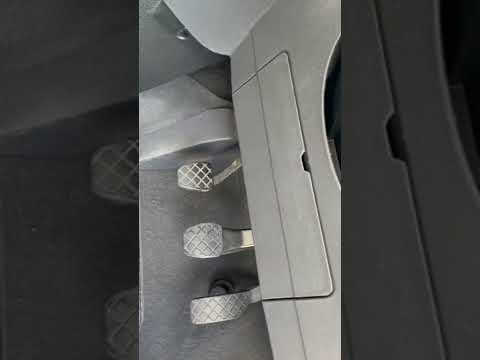
In this video, learn how to remove and replace the battery on a Volkswagen Fox. First, open and lift the bonnet of your car; then remove the cable ma…
Volkswagen Fox
(2003-2011 /
MK 1)
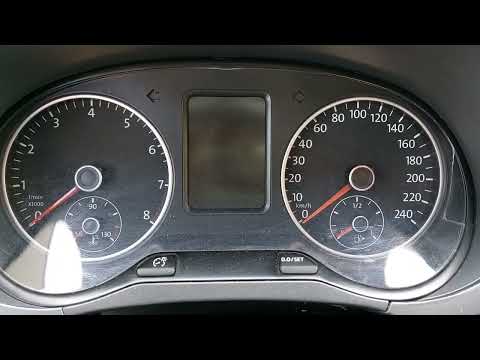
To find the fuse box of your Volkswagen Fox (2003-2011) easily and safely, follow these simple steps. First, enter the cabin and ensure the car is co…
Volkswagen Fox
(2003-2011 /
MK 1)
In this guide, you will find the necessary steps to manually reset the service light on your Volkswagen Fox. This is a straightforward procedure that…
Other guides you may be interested in
|
How to reset the tyre pressure warning light on the Kia Niro EV?
To reset the tyre pressure warning light on the Kia Niro EV, inflate the tyres until they reach the correct pressure value. This value is indicated on the sticker attached to the driver's door pillar. Once the tyres are inflated, turn on the instrument cluster to check that the warning light has completely disappeared from the display. If it is still present, you may need to drive for a few miles to ensure it disappears completely from the screen. by ScegliAuto More videos
|
|
For advertising on this site Write to info@scegliauto.com
ScegliAuto is not responsible for any inaccuracy of the data in the lists. To report any inaccuracy or your business (if you own the business in question), please write to info@scegliauto.com
Number of seconds to generate the page: 0.098
(c) ScegliAuto 2026 - info@scegliauto.com - Privacy policy VAT number: IT01247470535 |
