
|
Do it yourself
| |||
| ||||


How to Remove the Radio from a Volkswagen Golf
Model: Volkswagen Golf
Golf 5, MK 5, Golf V
- Years:
2003, 2004, 2005, 2006, 2007, 2008
Video tutorial
Discover in this brief and simple guide how to remove and replace the standard radio of the Volkswagen Golf. First, get inside the vehicle and start by removing the upper plastic cover of the central instrumentation found on the dashboard, prying it off from the sides; then unscrew the screws located underneath, removing the air vents. At this point, remove the plastic trim and unscrew the radio screws; disconnect the electrical connectors found at the back to remove it and replace it with the new one, applying the reverse procedure!
Updated on 11 May 2026 by ScegliAuto
Related tutorials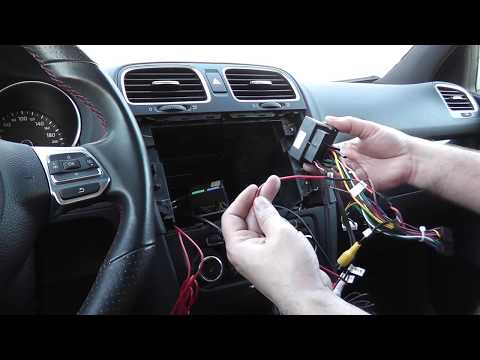
Volkswagen Golf
(2008-2012 /
Golf 6, MK 6, 5K1, Golf VI)
Do you need to replace the radio in a Volkswagen Golf? Here's how to proceed. Turn off the radio, remove the trim using a lever, then use a screwdriv…

Volkswagen Golf
(1991-1997 /
MK 3, Golf III, Golf 3)
The instructions in this guide will illustrate how to remove and replace the standard radio from the Volkswagen Golf, as well as the Jetta. First, ge…
Volkswagen Golf
(2012-2019 /
MK 7, Golf 7, Golf VII)
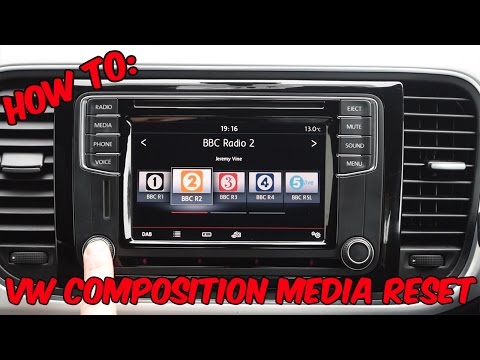
To reset a "composition media" radio in a Volkswagen, this video is demonstrated on a Volkswagen Golf, but it can be found in other Volkswagen group …
Other guides you may be interested in
|
How to Replace the Rear Light Bulb on a Citroen C5
To replace the rear light bulb on a 2015 Citroën C5, open the boot of the vehicle and remove the side carpet to access the inside of the light unit. Disconnect the light connector and remove the screw. Take out the light unit and proceed to replace the stop light bulb. Open the light housing and replace the bulb. Follow the same procedure for the right rear light bulb. Once the replacement is complete, refit the light unit, reconnect the connector, and close the side carpet. If the bulb does not work correctly, check the fuse related to the light before replacing it again. by ScegliAuto More videos
|
|
For advertising on this site Write to info@scegliauto.com
ScegliAuto is not responsible for any inaccuracy of the data in the lists. To report any inaccuracy or your business (if you own the business in question), please write to info@scegliauto.com
Number of seconds to generate the page: 0.029
(c) ScegliAuto 2026 - info@scegliauto.com - Privacy policy VAT number: IT01247470535 |
