
|
Do it yourself
| |||
| ||||


How to replace the remote battery of the Volkswagen Golf?
Model: Volkswagen Golf
MK 6, Golf VI, Golf 6, 5K1
- Years 2008-2012
As shown in this tutorial, replacing the remote battery of the Volkswagen Golf MK6 is very simple. For this operation, you will need a small flathead screwdriver and, of course, a replacement CR2032 battery. Start by extending the emergency metal key by pressing the designated button, then leverage in the newly opened slot to open the rear cover. At this point, you can remove the old battery and insert the new one, ensuring the positive terminal is facing you. Finally, reassemble everything by following the reverse procedure.
Updated on 12 May 2026 by ScegliAuto
Video tutorial
Related tutorials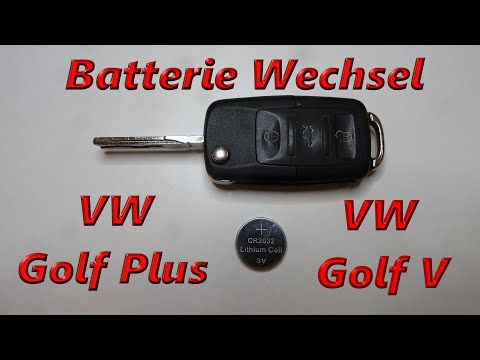
Volkswagen Golf
(2003-2008 /
MK 5, Golf 5, Golf V)
To replace the battery in the key fob of a Volkswagen Golf, lift the emergency key by pressing the button located at the top of the fob. Once the key…
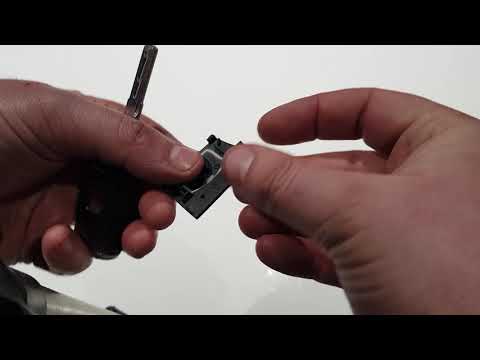
Volkswagen Golf
(2012-2019 /
Golf VII, MK 7, Golf 7)
To replace the battery of the remote for the Volkswagen Golf 7, press the button located at the top of the remote to lift the key blade. Once lifted,…
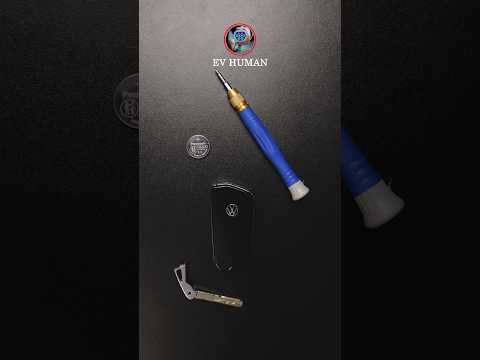
Volkswagen Golf
(2019-2026 /
Golf 8, MK 8, Golf Viii)
To replace the battery in the key fob of the Volkswagen Golf 8, lower the side switch on the device. This allows you to slide the key out from the bo…
Other guides you may be interested in
|
How to set the clock on the Opel Zafira
Setting the clock to the current Italian time on an Opel Zafira model B vehicle is a very simple operation, which can also be done independently thanks to our short instructional video. The first thing to do is to turn on the instrument panel and then press the SETTING button, located on the central dashboard. Once inside the menu, use the buttons to navigate to the clock setting. Change the hours and minutes and restart the instrument panel. If the clock is not updated, a diagnosis may be necessary at the radio or vehicle control unit. by ScegliAuto More videos
|
|
For advertising on this site Write to info@scegliauto.com
ScegliAuto is not responsible for any inaccuracy of the data in the lists. To report any inaccuracy or your business (if you own the business in question), please write to info@scegliauto.com
Number of seconds to generate the page: 0.143
(c) ScegliAuto 2026 - info@scegliauto.com - Privacy policy VAT number: IT01247470535 |
