
|
Do it yourself
| |||
| ||||


How to Open the Fuel Filler Flap on a Volkswagen Polo 9N1?
Model: Volkswagen Polo
MK IV, Polo IV, Polo 4, MK 4, 9N
- Years 2001-2009
To manually open the fuel filler flap on a stuck Volkswagen Polo 9N1, lift the rear bonnet and then raise the side carpet in the boot, on the side where the fuel cap is located. Doing this allows you to see the white plastic locking mechanism that you need to push upwards to unlock the fuel flap. Now, simply unscrew the cap by turning it anti-clockwise and refuel. As soon as possible, check the locking mechanism to determine what caused it to jam and avoid finding yourself in the same situation again.
Updated on 11 June 2026 by ScegliAuto
Video tutorial
Related tutorials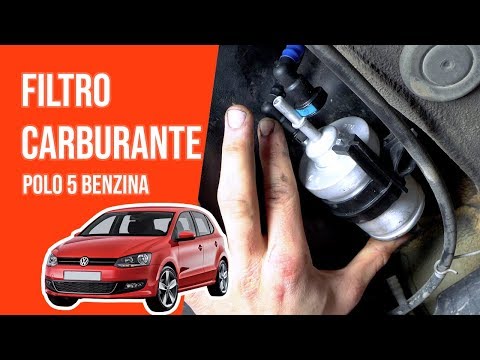
Volkswagen Polo
(2009-2017 /
Polo 5, Polo V, MK 5, MK V, 6R)
In this video, you will learn how to replace the fuel filter on a Polo 5. This task takes about 40 minutes and will cost no more than £25. First, gat…
Volkswagen Polo
(2009-2017 /
Polo 5, Polo V, MK 5, MK V, 6R)
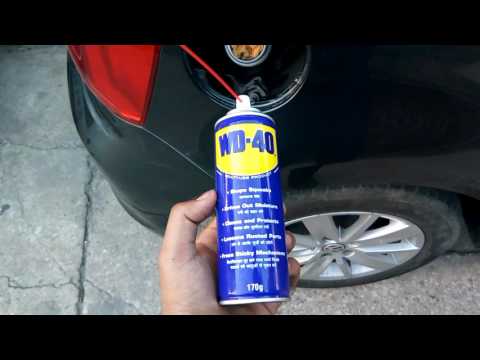
Don't know how to replace the plastic of the fuel flap on your VW Polo? It's a very simple operation: open the fuel flap, unscrew the filler cap, and…

Volkswagen Polo
(2009-2017 /
Polo 5, Polo V, MK 5, MK V, 6R)
Good morning, today’s goal is to correctly open the rear boot lid of your Volkswagen Polo. Start by exiting the car. Next, press the lock release but…
Other guides you may be interested in
|
Frequently Asked QuestionsHow to Reset the Tyre Pressure Light on the Opel Grandland X
While driving, if you notice the tyre pressure warning light coming on, first check the actual inflation pressure of the tyres and, if necessary, restore the pressures recommended by the manufacturer. After restoring the correct pressures, you need to reset the warning light that has illuminated on the instrument cluster. To do this, locate the reset button on the lower central console. Press this button and hold it down for at least 3 seconds, after which the low pressure indication will turn off. by ScegliAuto More videos
|
|
For advertising on this site Write to info@scegliauto.com
ScegliAuto is not responsible for any inaccuracy of the data in the lists. To report any inaccuracy or your business (if you own the business in question), please write to info@scegliauto.com
Number of seconds to generate the page: 0.142
(c) ScegliAuto 2026 - info@scegliauto.com - Privacy policy VAT number: IT01247470535 |
