
|
Do it yourself
| |||
| ||||


How to Install the Radio in a Volkswagen Golf 5
Model: Volkswagen Golf
MK 5, Golf 5, Golf V
- Years 2003-2008
In this video tutorial, see how to install a 2D radio with Bluetooth navigation in a Volkswagen Golf 5. First, prepare the necessary materials. If the adapters are not included with the radio, you will need to purchase them. Prepare a Torx key size 20, a VW Fakra antenna adapter, and a VW ISO adapter. The procedure is not difficult; just remove some snap-fit parts and then unscrew some screws. First, use a lever to lift the cover above the air vents and disconnect the central connector. Now unscrew the screws using the Torx key; then pull out the bottom and remove the other two screws. Now, using the lever, try to detach the centre console where the radio is located; also remove the air vents. Now you can unscrew the screws of the radio, pull out the radio, and disconnect the connectors. Replace the radio.
Updated on 18 June 2026 by ScegliAuto
Video tutorial
Related tutorials
Volkswagen Golf
(1997-2003 /
Golf IV, MK 4, Golf 4)
Installing the shark fin antenna on a Volkswagen Golf MK 4 is a simple and quick operation that can be done independently. The antenna can be purchas…
Volkswagen Golf
(2012-2019 /
Golf VII, MK 7, Golf 7)
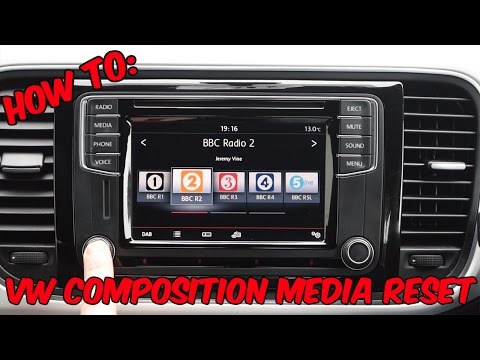
To reset a "composition media" radio in a Volkswagen, this video is demonstrated on a Volkswagen Golf, but it can be found in other Volkswagen group …
Volkswagen Golf
(1997-2003 /
Golf IV, MK 4, Golf 4)
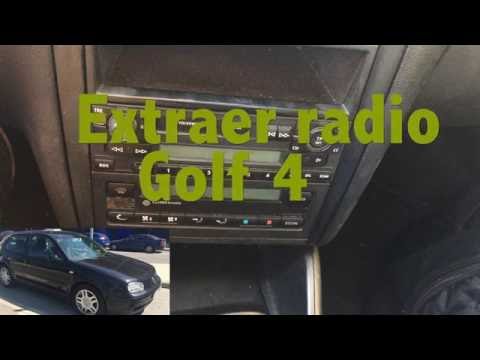
Follow these simple and quick steps to remove and replace the standard radio from a Volkswagen Golf. First, get inside the vehicle; to extract the ra…
Other guides you may be interested in
|
How to Set the Clock on the Opel Zafira
Setting the clock to the current Italian time on an Opel Zafira model B is a very simple operation, also made easier by our short instructional video. The first step is to turn on the instrument panel and then press the SETTING button located on the central dashboard. Once inside the menu, use the buttons to navigate to the clock setting. Adjust the hours and minutes and restart the instrument panel. If the clock does not update, it may be necessary to diagnose the radio or the vehicle's control unit. by ScegliAuto More videos
|
|
For advertising on this site Write to info@scegliauto.com
ScegliAuto is not responsible for any inaccuracy of the data in the lists. To report any inaccuracy or your business (if you own the business in question), please write to info@scegliauto.com
Number of seconds to generate the page: 0.130
(c) ScegliAuto 2026 - info@scegliauto.com - Privacy policy VAT number: IT01247470535 |
