
|
Do it yourself
| |||
| ||||


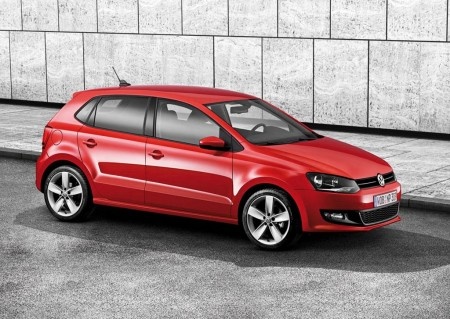
How to Reset the Service Light on the Volkswagen Polo?
Model: Volkswagen Polo
Polo 5, Polo V, MK 5, MK V, 6R
- Years 2009-2017
This video is currently unavailable
Detailed instructions - Resetting the Service light on the Volkswagen Polo involves turning on the instrument cluster. Once it is on, navigate through the onboard computer menu by pressing the button on the central left side of the cluster. Stop at the option that shows the spanner icon; when this appears, press and hold the 0.0/SET button for a few seconds until the corresponding icon disappears from the instrument cluster. After the icon has disappeared, you can turn it off and back on to check that the reset has occurred correctly.
Updated on 20 June 2026 by ScegliAuto
Related tutorials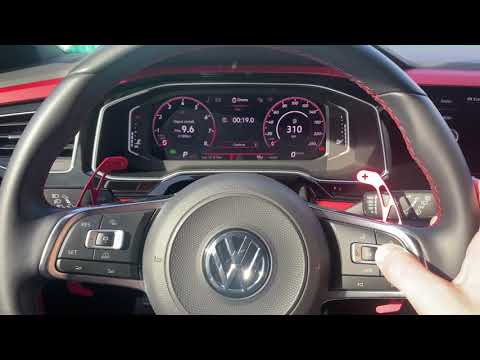
Volkswagen Polo
(2017-2025 /
Polo VI, Polo 6, MK 6, AW1, MK VI)
To reset the Service light on a Volkswagen Polo, you need to turn on the instrument cluster so you can navigate through the menu options on the onboa…
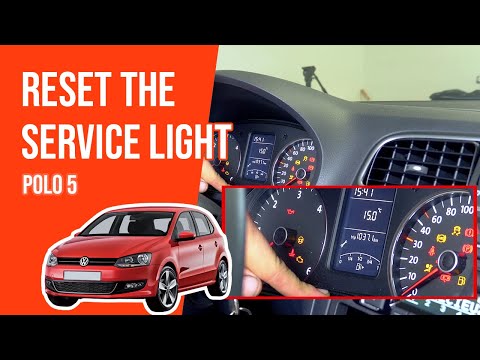
Volkswagen Polo
(2009-2017 /
Polo 5, Polo V, MK 5, MK V, 6R)
To reset the Service light on the Volkswagen Polo, turn on the ignition and then press the button to the left of the instrument cluster four times: t…

Volkswagen Polo
(2001-2009 /
MK IV, Polo IV, Polo 4, MK 4, 9N)
If you own a Volkswagen Polo Mk2 and want to know how to correctly reset the service light, this guide is just what you need. First, ensure your car …
Other guides you may be interested in
|
How to Replace the Key Battery in a Skoda Karoq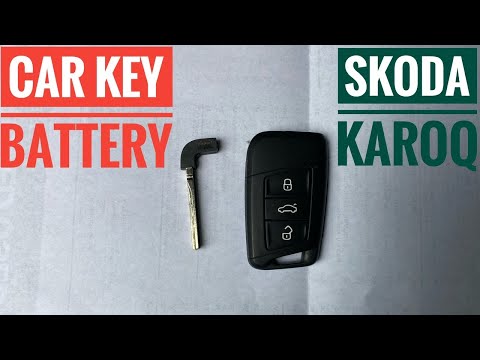
Replacing the button battery in your new Skoda Karoq key takes just a few minutes and can be done independently. Simply follow these steps. First, press the lower button of the cover while simultaneously pulling out the physical emergency key. Then, using a small flat screwdriver, remove the rear cover to access the exhausted battery. Remove the old battery and replace it with a new compatible model (CR2032). Finally, reattach the rear cover and insert the physical key back in. by ScegliAuto More videos
|
|
For advertising on this site Write to info@scegliauto.com
ScegliAuto is not responsible for any inaccuracy of the data in the lists. To report any inaccuracy or your business (if you own the business in question), please write to info@scegliauto.com
Number of seconds to generate the page: 0.961
(c) ScegliAuto 2026 - info@scegliauto.com - Privacy policy VAT number: IT01247470535 |
