
|
Do it yourself
| |||
| ||||


How to Display the "R" Logo on the Volkswagen Tiguan R Dashboard
Model: Volkswagen Tiguan
BW, MK 2, AD
- Years 2016-2025
To modify the instrument cluster of your Volkswagen Tiguan, use the OBD11 device, which you can find on Amazon starting from £49.99 (including delivery). It connects to the EOBD socket located near the footwell. Once you have plugged the device into the socket, open the application on your smartphone. By default, the first thing this application does is scan all control units for any errors, which - if they are minor - can be cleared by you. Now, let’s focus on the coding of interest. To display the "R-line" text, go to "Control Unit", select control unit 17, then choose "Adaptation" and in "Search" type "R logo", select the one you like and confirm. Once you have chosen the logo you prefer, confirm and you can exit the application.
Updated on 26 June 2026 by ScegliAuto
Video tutorial
Related tutorials
Volkswagen Tiguan
(2016-2025 /
BW, MK 2, AD)
In this short guide, we will see the steps that will allow us to activate and deactivate the Start&Stop system of the Volkswagen Tiguan. First of all…
Volkswagen Tiguan
(2007-2016 /
5N, MK 1)
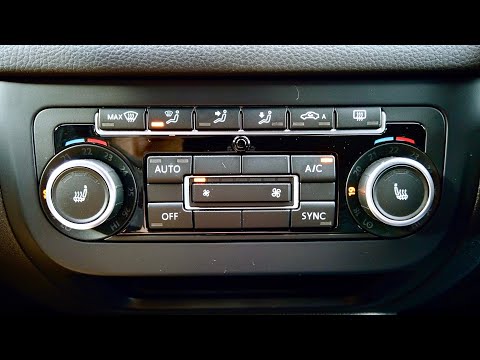
To carry out the self-calibration of the climatronic on a Volkswagen Tiguan to resolve dashboard ticking issues or incorrect temperature or air distr…

Volkswagen Tiguan
(2016-2025 /
BW, MK 2, AD)
In this tutorial we can see how to reset the service in the Volkswagen Tiguan, an extremely simple and quick operation, to be carried out only after …
Other guides you may be interested in
|
How to Open a Stuck Boot on the Peugeot 407?
On the Peugeot 407, the boot may become stuck, possibly due to a problem with the control button or the lock actuator. In such cases, you can perform an emergency opening by following the simple procedure shown in this tutorial. First, open the rear doors, then lower the seat back by operating the release lever. Next, go inside the boot, locate the lock, and manually operate it using a flathead screwdriver. The boot will then be free to open. by ScegliAuto More videos
|
|
For advertising on this site Write to info@scegliauto.com
ScegliAuto is not responsible for any inaccuracy of the data in the lists. To report any inaccuracy or your business (if you own the business in question), please write to info@scegliauto.com
Number of seconds to generate the page: 0.079
(c) ScegliAuto 2026 - info@scegliauto.com - Privacy policy VAT number: IT01247470535 |
