
|
Do it yourself
| |||
| ||||


What to do if the gears won't engage on the Volkswagen Golf IV
Model: Volkswagen Golf
Golf IV, Golf 4, MK 4
- Years:
1997, 1998, 1999, 2000, 2001, 2002, 2003
Video tutorial
In this video, see what to do if the gears won't engage in your Volkswagen Golf IV. The problem arises from a damaged gear selector. You can find the part on AliExpress for just £8.40, using code 18832: delivery included. Now, let's see where it goes. Above the gearbox, you will find all the linkages, and at the back, there are two small balls: this is where you need to insert your selector, which you should have generously coated with grease on both round parts. Fit the two greased supports into the balls, and if you can't do it by hand, use pliers. You need to hear the "click" of the engagement. Now the movement of the linkage is transmitted, and indeed, all the gears engage.
Updated on 24 July 2026 by ScegliAuto
Related tutorials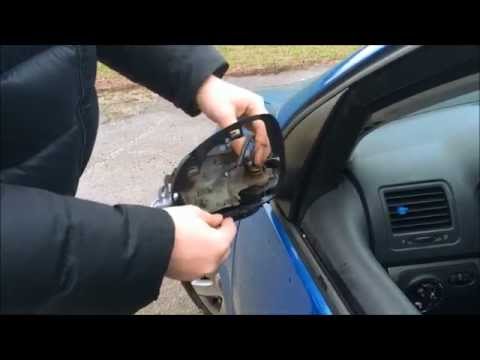
Volkswagen Golf
(2003-2008 /
Golf 5, MK 5, Golf V)
How to replace the external mirror of a Volkswagen Golf? Follow this video to proceed. Using a plastic or rubber lever, pry between the perimeter of …

Volkswagen Golf
(2003-2008 /
Golf 5, MK 5, Golf V)
On the Volkswagen Golf, replacing the wipers is a straightforward task, but it requires some care to avoid "banging" the arm against the glass. Lift …
Volkswagen Golf
(2012-2019 /
MK 7, Golf 7, Golf VII)
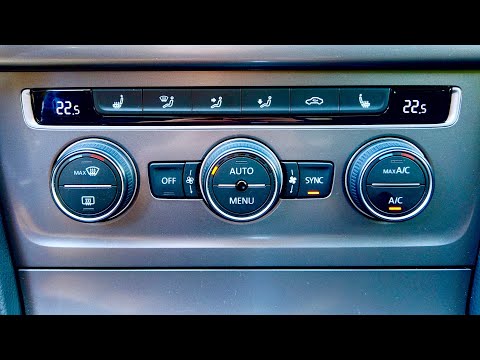
To resolve the issue of incorrect air distribution in the Volkswagen Golf MK VII, you can try this service procedure that will force the air flaps to…
Other guides you may be interested in |
How to reset the tyre pressure warning light on the Kia Niro EV?
To reset the tyre pressure warning light on the Kia Niro EV, inflate the tyres until they reach the correct pressure value. This value is indicated on the sticker attached to the driver's door pillar. Once the tyres are inflated, turn on the instrument cluster to check that the warning light has completely disappeared from the display. If it is still present, you may need to drive for a few miles to ensure it disappears completely from the screen. by ScegliAuto More videos
|
|
For advertising on this site Write to info@scegliauto.com
ScegliAuto is not responsible for any inaccuracy of the data in the lists. To report any inaccuracy or your business (if you own the business in question), please write to info@scegliauto.com
Number of seconds to generate the page: 0.010
(c) ScegliAuto 2026 - info@scegliauto.com - Privacy policy VAT number: IT01247470535 |
