
|
Do it yourself
| |||
| ||||


Changing the Battery of the Remote Control for a Volkswagen Golf VII
Model: Volkswagen Golf
Golf VII, MK 7, Golf 7
- Years 2012-2019
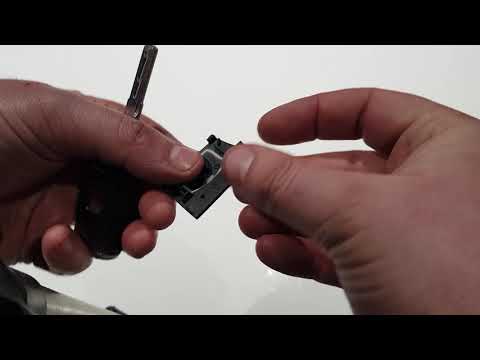
The remote control opens and closes the doors of your Volkswagen Golf from a distance and is powered by a battery that periodically runs out and needs replacing. With the side of the remote containing the buttons facing down, insert a plastic lever to avoid scratching the surfaces, and apply pressure to open the cover protecting the battery. Using a pointed tool, remove the exhausted battery from its housing and replace it with a new one, ensuring the correct polarity is respected. Reposition the plastic cover and check that it functions correctly.
Updated on 18 August 2026 by ScegliAuto
Video tutorial
Related tutorials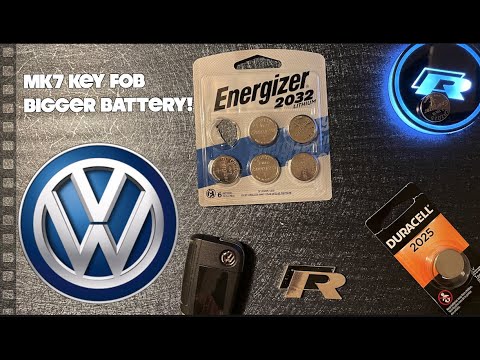
Volkswagen Golf
(2012-2019 /
Golf VII, MK 7, Golf 7)
To replace the battery in the remote for the Volkswagen Golf 7, lift the key using the designated button on the top of the device: once the key is li…
Volkswagen Golf
(2012-2019 /
Golf VII, MK 7, Golf 7)
To replace the battery of the remote for the Volkswagen Golf 7, press the button located at the top of the remote to lift the key blade. Once lifted,…

Volkswagen Golf
(2012-2019 /
Golf VII, MK 7, Golf 7)
In this video we see how to change the battery of the Volkswagen Golf VII remote control when the battery is running low and a message appears on the…
Other guides you may be interested in
|
How to reset the tyre pressure warning light on the Dacia Sandero?
To reset the tyre pressure warning light on the Dacia Sandero, inflate all the tyres to the pressure indicated on the label on the driver's door. Once the tyres are inflated, turn on the ignition and navigate through the menu using the controls on the right side of the steering wheel. Scroll with the arrows to find the tyre pressure option: by holding down the OK button located on the right side of the steering wheel, you can reset the warning light. by ScegliAuto More videos
|

|
For advertising on this site Write to info@scegliauto.com
ScegliAuto is not responsible for any inaccuracy of the data in the lists. To report any inaccuracy or your business (if you own the business in question), please write to info@scegliauto.com
Number of seconds to generate the page: 0.258
(c) ScegliAuto 2026 - info@scegliauto.com - Privacy policy VAT number: IT01247470535 |
