
|
Do it yourself
| |||
| ||||


How to Remove the Glove Compartment from the Volkswagen Golf 7
Model: Volkswagen Golf
Golf VII, MK 7, Golf 7
- Years 2012-2019
To remove the glove compartment from the Volkswagen Golf 7, start by opening the glove compartment. At the top inside the compartment, you will find two clips, one on the left and one on the right. Press the left clip until it clicks and stays in place, then press the right clip until it also clicks and stays in place. At this point, you can lower the glove compartment; to remove it completely, lift it to disengage it from the sliding rails. To reinstall, insert it into the rails, ensuring it clicks into place, and finally lift it until the clips engage and hold it in position.
Updated on 25 August 2026 by ScegliAuto
Video tutorial
Related tutorials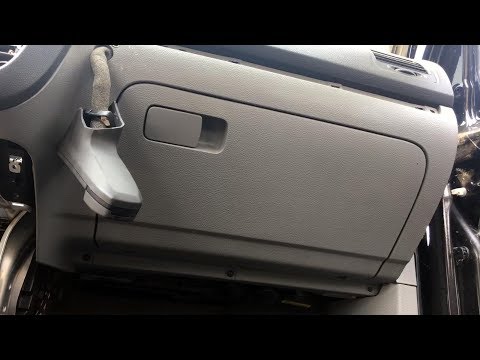
Volkswagen Golf
(2003-2008 /
MK 5, Golf 5, Golf V)
In this video, see how to remove the glove compartment from a fifth-generation Volkswagen Golf. First, get inside the car and use a plastic lever to …
Volkswagen Golf
(1997-2003 /
Golf IV, MK 4, Golf 4)
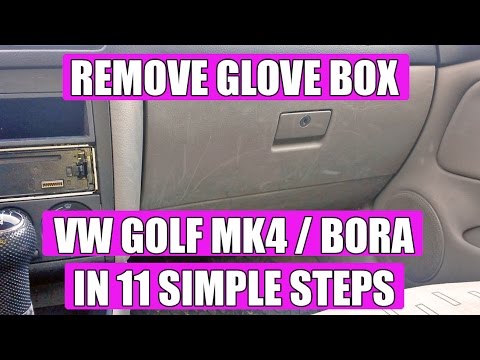
This video will teach you how to remove the glove compartment on a Volkswagen Golf 4 in a few simple steps. First, before removing the glove compartm…
Volkswagen Golf
(1997-2003 /
Golf IV, MK 4, Golf 4)
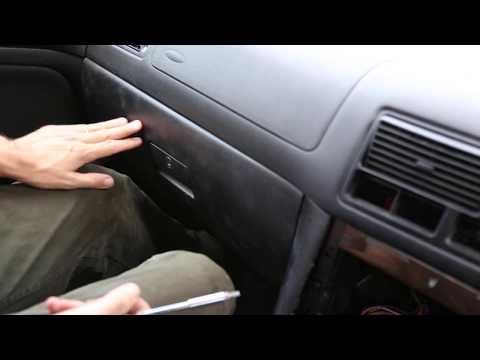
To remove the glove box from the front passenger side of the Volkswagen Golf, open the glove box and unscrew the screws that secure it from the top. …
Other guides you may be interested in
|
Where is the Spare Wheel in the Peugeot 5008?
This video shows where the spare wheel is located in the Peugeot 5008 and how to access it, useful in case of a puncture. As shown, the wheel is not in the usual boot compartment but underneath it, outside the vehicle. To free the wheel, first gather the tools provided, then open the boot, locate the small indicated hatch, and open it. Next, loosen the bolt just released using the large socket wrench enough to lower the wheel to the ground. by ScegliAuto More videos
|

|
For advertising on this site Write to info@scegliauto.com
ScegliAuto is not responsible for any inaccuracy of the data in the lists. To report any inaccuracy or your business (if you own the business in question), please write to info@scegliauto.com
Number of seconds to generate the page: 0.103
(c) ScegliAuto 2026 - info@scegliauto.com - Privacy policy VAT number: IT01247470535 |
