
|
Do it yourself
| |||
| ||||


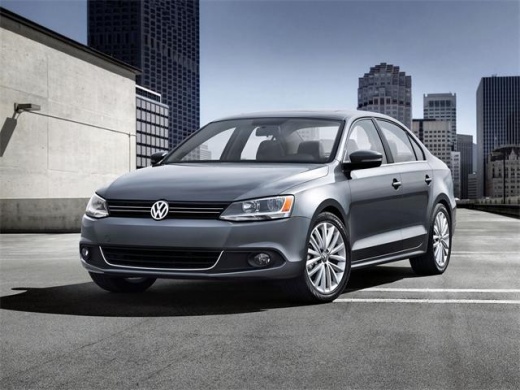
Replacing the Hazard Light Switch
Model: Volkswagen Jetta
MK 6, A6
- Years:
2010, 2011, 2012, 2013, 2014, 2015, 2016, 2017, 2018
Video tutorial
It often happens that due to wear and tear or suboptimal maintenance, parts or components of our car need to be replaced. For these routine maintenance tasks, instead of going to your trusted mechanic, you can also do it yourself. It is a simple operation that can be completed in a few seconds. The first step is to turn off the ignition of the car and deactivate any electrical devices. The next step is to gently press the knob and turn it to the right; once in this position, you can pull the switch out of the dashboard. To disconnect the switch, simply unplug the connector that links it to the car's electrical system.
Updated on 21 February 2026 by ScegliAuto
Related tutorials
Volkswagen Jetta
(1998-2005 /
A4, MK 4)
Disabling a car alarm may be a temporary solution when, for example, the system is not functioning correctly and causes issues, such as sudden sound …

Volkswagen Jetta
(1991-1998 /
A3, MK 3)
In the Volkswagen Jetta, the fuse boxes contain the fuses responsible for the operation of the devices installed in the car: in this type of vehicle,…

Volkswagen Jetta
(2010-2018 /
MK 6, A6)
In the Volkswagen Jetta, the fuse boxes contain the fuses that manage the operation of the devices installed in the vehicle: this type of car has two…
Other guides you may be interested in
|
How to reset the tyre pressure warning light on the Kia Niro EV?
To reset the tyre pressure warning light on the Kia Niro EV, inflate the tyres until they reach the correct pressure value. This value is indicated on the sticker attached to the driver's door pillar. Once the tyres are inflated, turn on the instrument cluster to check that the warning light has completely disappeared from the display. If it is still present, you may need to drive for a few miles to ensure it disappears completely from the screen. by ScegliAuto More videos
|
|
For advertising on this site Write to info@scegliauto.com
ScegliAuto is not responsible for any inaccuracy of the data in the lists. To report any inaccuracy or your business (if you own the business in question), please write to info@scegliauto.com
Number of seconds to generate the page: 0.055
(c) ScegliAuto 2026 - info@scegliauto.com - Privacy policy VAT number: IT01247470535 |
