
|
Do it yourself
| |||
| ||||


How to Replace the Timing Belt on a Volkswagen Golf?
Model: Volkswagen Golf
Golf VII, MK 7, Golf 7
- Years 2012-2019
Hello! Today, replace the timing belt on your Volkswagen Golf. First, position the car on a flat surface and ensure the engine is cold. Carefully remove the engine cover and dismantle the air filter assembly, as well as the cover protecting the timing belt. Once this step is complete, loosen the tensioner pulley and remove the old belt. Now, you are ready to fit the new timing belt by simply following these steps in reverse order. This way, you will successfully complete the replacement process.
Updated on 17 September 2026 by ScegliAuto
Video tutorial
Related tutorials
Volkswagen Golf
(2012-2019 /
Golf VII, MK 7, Golf 7)
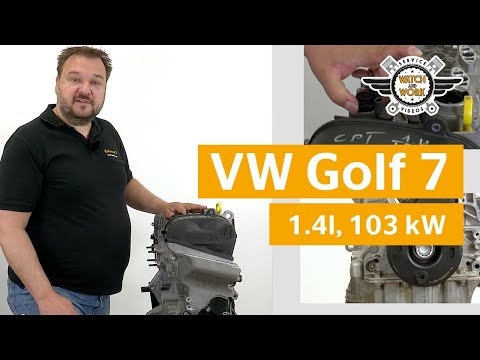
Below we will discover information on how to disassemble and replace the timing belt of the Volkswagen Golf 1.6 TDI; the manufacturer states that, on…
Volkswagen Golf
(2012-2019 /
Golf VII, MK 7, Golf 7)
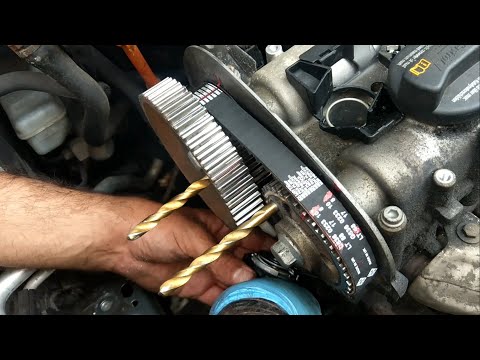
Today's main information will show you how and when to replace the timing belt on a Volkswagen Golf 1.4 TSI. For this type of engine, the timing belt…
Volkswagen Golf
(2003-2008 /
MK 5, Golf 5, Golf V)
Here are the instructions on how to remove and replace the timing belt on a Volkswagen Golf 1.4 petrol, following these simple steps. First, lift the…
Other guides you may be interested in
|
How to Replace the Cabin Filter on the Opel Grandland X
If you own an Opel Grandland X and want to know the steps to replace the cabin air filter, carefully read the following guide and follow the described steps. First, enter the vehicle and go to the passenger side. Then, locate the box containing the air filter in the lower side area of the dashboard. Remove the cover of the box and finally replace the old filter with the new one. Refit the cover, and you are done. by ScegliAuto More videos
|

|
For advertising on this site Write to info@scegliauto.com
ScegliAuto is not responsible for any inaccuracy of the data in the lists. To report any inaccuracy or your business (if you own the business in question), please write to info@scegliauto.com
Number of seconds to generate the page: 0.259
(c) ScegliAuto 2026 - info@scegliauto.com - Privacy policy VAT number: IT01247470535 |
