
|
Do it yourself
| |||
| ||||


How to Reset the Service Light on the Alfa Romeo 159
Model: Alfa Romeo 159
MK 1
- Years 2005-2011
If you have noticed a red warning light on the dashboard indicating the need for maintenance, don’t worry as it can be resolved directly through the controls. First, insert the key and turn on the ignition. Press the menu button repeatedly until all warning lights appear on the display. Then, hold down the call answer button and the "ok" button for five seconds. At this point, navigate through the menu to "assist plus" and then to "full service". Press "ok" again and finally exit the menu. Turn off the ignition. The reset is complete, but if there are any issues, you can repeat the entire process without problems.
Updated on 4 June 2026 by ScegliAuto
Video tutorial
Related tutorials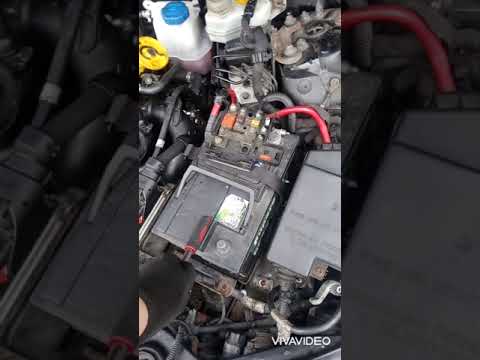
Alfa Romeo 159
(2005-2011 /
MK 1)
Before you can begin, open the bonnet of your Alfa Romeo 159. Start by removing the hoses and collectors located above the starter motor by unscrewin…
Alfa Romeo 159
(2005-2011 /
MK 1)
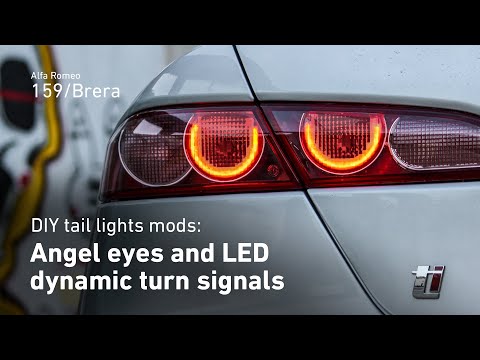
Before you can start, open the tailgate of the boot on your Alfa Romeo 159. Begin by moving the carpet that covers the fixing nuts of the rear light.…

Alfa Romeo 159
(2005-2011 /
MK 1)
In the following guide aimed at all of you who own an Alfa Romeo 159, we will explain how you can access the OBD port. First of all, open the driver'…
Other guides you may be interested in
|
How to reset the tyre pressure warning light on the Dacia Sandero?
To reset the tyre pressure warning light on the Dacia Sandero, inflate all the tyres to the pressure indicated on the label on the driver's door. Once the tyres are inflated, turn on the ignition and navigate through the menu using the controls on the right side of the steering wheel. Scroll with the arrows to find the tyre pressure option: by holding down the OK button located on the right side of the steering wheel, you can reset the warning light. by ScegliAuto More videos
|
|
For advertising on this site Write to info@scegliauto.com
ScegliAuto is not responsible for any inaccuracy of the data in the lists. To report any inaccuracy or your business (if you own the business in question), please write to info@scegliauto.com
Number of seconds to generate the page: 0.146
(c) ScegliAuto 2026 - info@scegliauto.com - Privacy policy VAT number: IT01247470535 |
