
|
Do it yourself
| |||
| ||||


How to Connect USB-SD and AUX-IN on an Alfa Romeo 147
Model: Alfa Romeo 147
MK 1
- Years 2000-2010
Learn how to install an SD card reader, as well as USB and AUX-IN - you can find this same device on Amazon for £64.00 - on an Alfa Romeo 147. You will need to remove the original stereo using removal keys (they cost £1.30 each on eBay), which make it very easy to take out. Disconnect the top connector, and replace the blue part of the connector with the blue one from the device you purchased. Pull the reader through the other side, so the cable remains inside and the device comes out in the glove compartment. Refit the radio and the job is done.
Updated on 5 August 2026 by ScegliAuto
Video tutorial
Related tutorials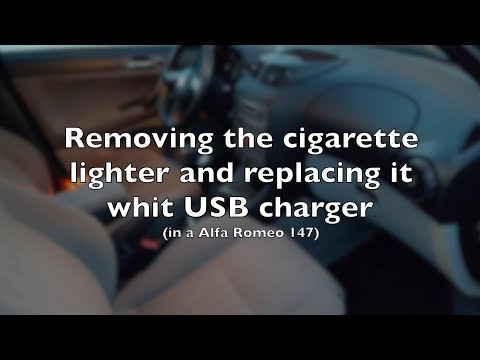
Alfa Romeo 147
(2000-2010 /
MK 1)
To install the USB socket in the Alfa Romeo 147, you must first remove the cigarette lighter. To do this, lift the leather gaiter of the gear lever t…
Alfa Romeo 147
(2000-2010 /
MK 1)
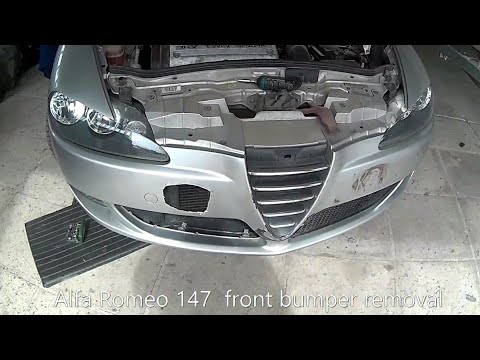
Before starting, open the bonnet of your Alfa Romeo 147. Begin by unscrewing and removing all screws and bolts that secure the front bumper to the ch…
Alfa Romeo 147
(2000-2010 /
MK 1)
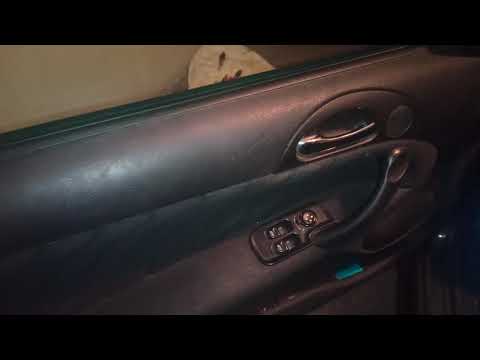
If you cannot find the location of the fuse box in your Alfa Romeo 147, simply follow this mini guide. First, enter the car (driver's side) and reach…
Other guides you may be interested in
|
How to Open a Stuck Boot on the Peugeot 407?
On the Peugeot 407, the boot may become stuck, possibly due to a problem with the control button or the lock actuator. In such cases, you can perform an emergency opening by following the simple procedure shown in this tutorial. First, open the rear doors, then lower the seat back by operating the release lever. Next, go inside the boot, locate the lock, and manually operate it using a flathead screwdriver. The boot will then be free to open. by ScegliAuto More videos
|
|
For advertising on this site Write to info@scegliauto.com
ScegliAuto is not responsible for any inaccuracy of the data in the lists. To report any inaccuracy or your business (if you own the business in question), please write to info@scegliauto.com
Number of seconds to generate the page: 0.112
(c) ScegliAuto 2026 - info@scegliauto.com - Privacy policy VAT number: IT01247470535 |
