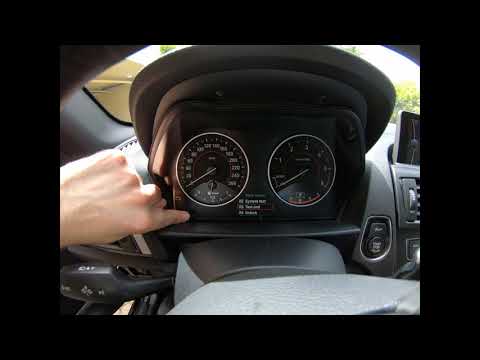
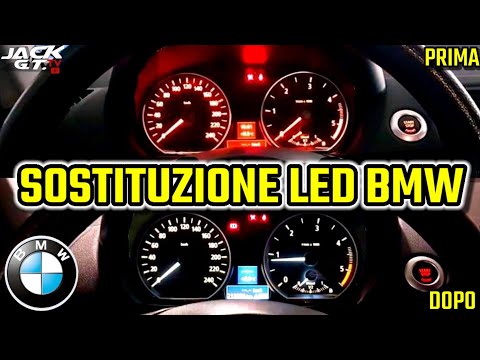
BMW Serie 1 - Instrument cluster
Instrument Cluster BMW Serie 1 (2011-2019 / mk 2, f 20, f 21)
Cigarette lighter (2)
Airbag (4)
Alternator (1)
Speaker (2)
Antenna (1)
Car stereo (7)
Anti-roll bar (1)
Battery (13)
Transmission (2)
Spark plugs (1)
Convertible top (2)
Body (7)
Control unit (1)
Key (33)
Timing belt (11)
V-belt (4)
Air conditioner (1)
Onboard computer (10)
Checks and maintenance (37)
Dashboard (4)
Headlight (10)
Tail light (9)
Fog lights (4)
Air filter (6)
Cabin air filter (8)
Diesel fuel filter (1)
Oil filter (1)
Parking brake (3)
Grille (5)
Window switch (1)
Accessory kit (1)
Light bulb (7)
Side marker bulb (2)
Headlight bulb (19)
Tail light bulb (5)
Interior dome light bulb (3)
Antifreeze coolant (3)
(1)
Handle (1)
Trim cover (1)
Engine (1)
Power window motor (1)
Electric power steering motor (1)
Transmission fluid (3)
Engine oil (4)
Power steering fluid (1)
Clock (9)
Door trim panel (8)
Rear bumper (2)
Brake pads (5)
Shift knob (6)
Pump (2)
Car door (3)
Push button (1)
Instrument cluster (5)
Fuse box (58)
Seat (4)
Engine coolant temperature sensor (1)
Parking sensors (2)
Side mirror (11)
Warning light – error code (36)
(35)
Tire pressure warning light (13)
Service warning light (80)
Manufacturer emblem (1)
Fuel cap (6)
Windshield wipers (4)
Center console tunnel (1)
Blower motor (2)
Steering wheel (9)
|
How to Open the Fuel Filler Flap on a Hyundai i20?

In this tutorial, you will see how to open the fuel filler flap on a Hyundai i20, a very simple operation similar to that of many vehicles. First, go inside the cabin; it is not necessary to insert the key or unlock all the locks, then locate and operate the lever situated in the lower left area of the cabin, right next to the driver's seat. Once done, exit the vehicle, fully open the flap, and unscrew the fuel cap. To close the flap, simply press it gently until you hear a click.
Watch the video!
by ScegliAuto
More videos
|