
|
Do it yourself
| |||
| ||||



How to access the secret menu of a BMW Series 1
Model: BMW Serie 1
F21, MK 2, F20
- Years:
2011, 2012, 2013, 2014, 2015, 2016, 2017, 2018, 2019
Video tutorial
Learn how to access the secret menu of a BMW Series 1 (F21), which is reserved for workshops. First, press the Start & Stop button to turn on the ignition without pressing the pedals. Then, press and hold the reset button for the mileage for about 10 seconds until a screen appears regarding the reset of the brake pads; continue to hold until the screen with the submenu "identification" appears, showing various access options; go to "Unlock". Hold for 4-5 seconds, and a code entry screen will appear. This code is formed by summing the last 5 digits of the chassis number. Enter the resulting number by pressing the button as many times as the sum. Hold for another 4-5 seconds. From here, you can access the workshop submenu for consumption and temperature details. To go back, hold for 4-5 seconds. Number 11 shows the battery system, and number 13 shows error codes. Never go to number 19, software reset, as it would cause a real disaster. To return to normal, hold for 10 seconds until the car's mileage is displayed.
Updated on 6 August 2026 by ScegliAuto
Related tutorials
BMW Serie 1
(2011-2019 /
F21, MK 2, F20)
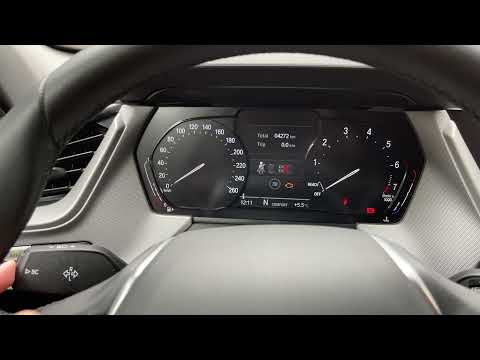
Let's see how to unlock the secret code of the BMW 1 Series: first, insert the key without turning on the ignition, then press and hold the button on…
BMW Serie 1
(2019-2026 /
MK 3, F40)
To access the "secret" menu of the BMW 1 Series model F40, you need to: - Turn on the vehicle's instrument panel; - Press the SETTING button located …
BMW Serie 1
(2004-2013 /
E81, E82, MK 1, E87)
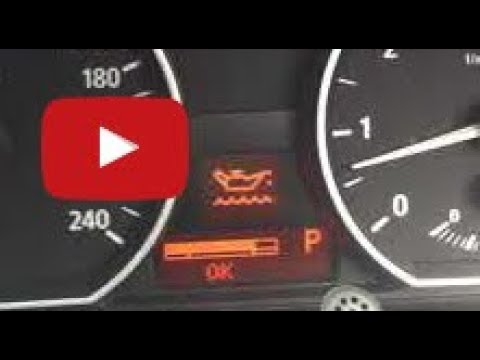
To check the oil level of the BMW 1 Series, turn on the instrument cluster by inserting the key into the ignition and pressing the relevant button. O…
Other guides you may be interested in
|
How to Remove the Toll Tag Holder from the Car Windscreen
The toll tag holder is usually attached to the car windscreen to ensure that the toll tag functions immediately when passing through barriers. However, if you decide to remove the holder, you should follow this procedure: - Insert the toll tag into the holder; - Pull the holder inwards to detach it from the windscreen; you can use a glass scraper or a stiff plastic card to assist you; After removing the holder, it is essential to remove the adhesive from the windscreen. To remove the adhesive, we recommend using a solvent-based spray that will remove the glue without clouding the area. by ScegliAuto More videos
|
|
For advertising on this site Write to info@scegliauto.com
ScegliAuto is not responsible for any inaccuracy of the data in the lists. To report any inaccuracy or your business (if you own the business in question), please write to info@scegliauto.com
Number of seconds to generate the page: 0.086
(c) ScegliAuto 2026 - info@scegliauto.com - Privacy policy VAT number: IT01247470535 |
