
|
Do it yourself
| |||
| ||||


How do you reset the brake wear indicator light on the BMW X1?
Model: BMW X1
F48
- Years 2015-2022
The brake wear indicator shown on the instrument panel of the BMW X1 can be reset by turning on the instrument panel, turning the key inside the ignition switch: once the panel is turned on, you can hold down the button on the left of the instrument panel until the icon of the car with the brake wear indicator is displayed. Therefore, the button must first be released and then held down again for a few seconds: when the indications regarding the replacement of the brake pads turn green, the button can be released.
Posted on 27 February 2025 by ScegliAuto
Video tutorial
Related tutorials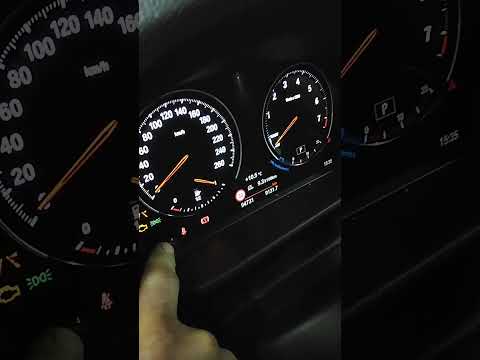
BMW X1
(2015-2022 /
F48)
To reset the brake wear light on the BMW X1, turn on the ignition by rotating the key in the ignition switch. Once the dashboard is on, press and hol…

BMW X1
(2015-2022 /
F48)
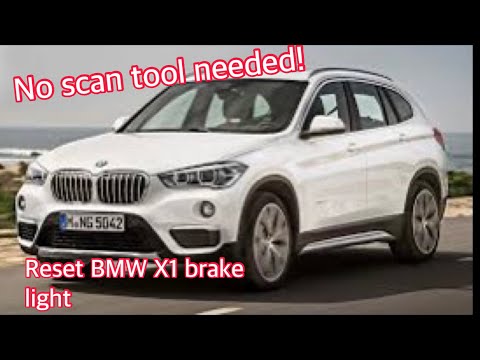
In order to replace the brake wear indicator light of the BMW X1, you need to turn on the instrument panel by inserting the ignition key into the cor…
BMW X1
(2015-2022 /
F48)
In this tutorial, you will see how to reset the brake service on the BMW X1 F48, a very simple and quick operation to perform only after completing a…
Other guides you may be interested in
|
How to Open the Bonnet of a Renault Megane if the Lever is Broken?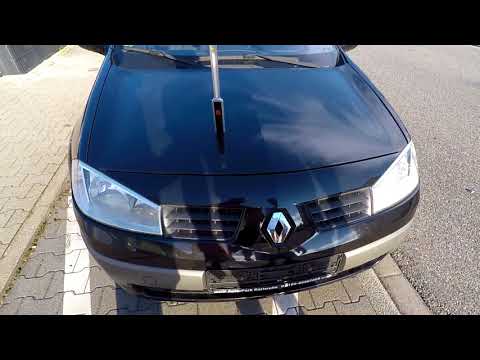
If the lever that unlocks the bonnet of the Renault Megane is broken or not functioning, there is an emergency procedure to unlock the mechanism: remove the right front grille located at the top of the bumper. Once the grille is removed, you can locate the actuator mechanism: by pulling the spring in this position, you can unlock the actuator, allowing you to lift the bonnet and access the components located inside the engine compartment. You can then close the bonnet simply by lowering it. by ScegliAuto More videos
|
|
For advertising on this site Write to info@scegliauto.com
ScegliAuto is not responsible for any inaccuracy of the data in the lists. To report any inaccuracy or your business (if you own the business in question), please write to info@scegliauto.com
Number of seconds to generate the page: 0.296
(c) ScegliAuto 2026 - info@scegliauto.com - Privacy policy VAT number: IT01247470535 |
