
|
Do it yourself
| |||
| ||||



How to Reset the Brake Light on a BMW 3 Series F30
Model: BMW Serie 3
F31, F30
- Years:
2012, 2013, 2014, 2015, 2016, 2017, 2018, 2019
Video tutorial
Let's see how to reset the brake light on a BMW 3 Series F30: the reset is done from the instrument cluster and not from the central iDrive. A common issue is that the system displays the message: "reset not possible" even after changing the brake pads. Search results indicate that in most cases this message is caused by a problem with the brake pad wear sensor, which must be resolved before proceeding with the reset. It may need to be replaced, or the sensor cable may be damaged, or one of the connectors could be dirty or improperly connected. If the sensors are not original, the reason may be the system's failure to recognize them. To reset the system, simply turn on the ignition, access the menu using the reset button on the speedometer, and scroll to the brake icon; select "front brakes" or "rear brakes" and hold the button. The message "reset in progress" will appear. Hold it down until the confirmation message appears.
Posted on 15 June 2026 by ScegliAuto
Related tutorials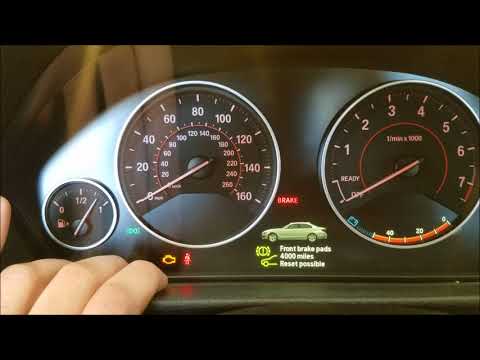
BMW Serie 3
(2012-2019 /
F31, F30)
In today's video, you will learn how to reset the engine light on a BMW 3 Series F30 after resolving the issues that triggered the light. First, get …
BMW Serie 3
(2012-2019 /
F31, F30)
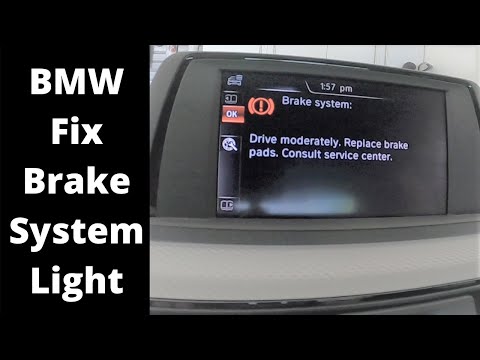
Follow these instructions to reset the brake pad wear warning light on a BMW 3 Series. After replacing the old brake pads, get in the vehicle and tur…
BMW Serie 3
(2012-2019 /
F31, F30)
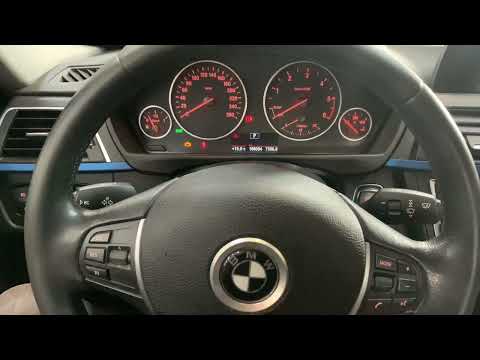
To reset the brake wear light on a BMW 3 Series, first replace the brake pads. Then, insert the ignition key into the ignition switch and turn it on.…
Other guides you may be interested in
|
Frequently Asked QuestionsHow to Set the Clock on a Renault Master 3
This guide shows you how to set a new time on a Renault Master 3. Start by turning on the instrument cluster of the vehicle without starting the engine. Next, using the end of the right-hand steering column stalk, scroll through the options on the display until you reach 'set time', then press the down arrow button to make the displayed time blink. Once this is done, press and hold the down arrow button to change the hour, which you can adjust using the two arrow buttons at the end of the stalk. Once the correct hour is set, press and hold the down arrow button again to move to the minutes. After setting the correct time, restart the vehicle. by ScegliAuto More videos
|
|
For advertising on this site Write to info@scegliauto.com
ScegliAuto is not responsible for any inaccuracy of the data in the lists. To report any inaccuracy or your business (if you own the business in question), please write to info@scegliauto.com
Number of seconds to generate the page: 0.026
(c) ScegliAuto 2026 - info@scegliauto.com - Privacy policy VAT number: IT01247470535 |
