
|
Do it yourself
| |||
| ||||


How to Reset the Service Light in a BMW 7 Series
Model: BMW Serie 7
- Years:
2001, 2002, 2003, 2004, 2005, 2006, 2007, 2008
Video tutorial
To reset the service light on a BMW 7 Series vehicle, get in the car, insert the key, and turn on the instrument cluster without starting the engine. At this point, press and hold the trip odometer button until you see the word "Reset" appear on the display. Release the button and, if necessary, press OK again to confirm the reset of the maintenance counter. Turn off the ignition and restart the engine: the service light should be off. This procedure works after completing service intervals or scheduled maintenance.
Posted on 10 October 2026 by ScegliAuto
Related tutorials
BMW Serie 7
(2015-2022 /
G11, MK 6, G12)
In order to reset the Service light of the BMW 7 Series, you need to turn on the instrument panel by inserting the ignition key into the ignition swi…

BMW Serie 7
(2015-2022 /
G11, MK 6, G12)
To reset the "Service" indicator on a BMW 7 Series, start by turning on the instrument panel without starting the engine. Press and hold the button l…
BMW Serie 7
(2001-2008 /
E66, E68, MK 4, E65, E67)
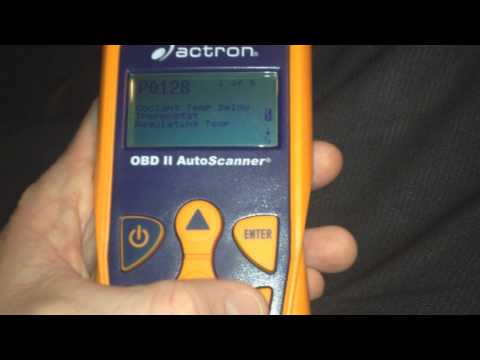
In this video tutorial, you will learn how to reset the check engine light on a BMW 7 Series by following the instructions below. First, get inside t…
Other guides you may be interested in
|
How to reset the Service light of the Fiat 500X?
To reset the Service light of the Fiat 500X, insert the ignition key into the ignition switch to turn on the instrument cluster. Once powered on, press the accelerator pedal three times in quick succession. After this operation, wait a few seconds for the Service light reset to complete. Once the reset procedure is finished, release the pedals and then turn off the instrument cluster by turning the key. by ScegliAuto More videos
|
|
For advertising on this site Write to info@scegliauto.com
ScegliAuto is not responsible for any inaccuracy of the data in the lists. To report any inaccuracy or your business (if you own the business in question), please write to info@scegliauto.com
Number of seconds to generate the page: 0.190
(c) ScegliAuto 2026 - info@scegliauto.com - Privacy policy VAT number: IT01247470535 |
