
|
Do it yourself
| |||
| ||||


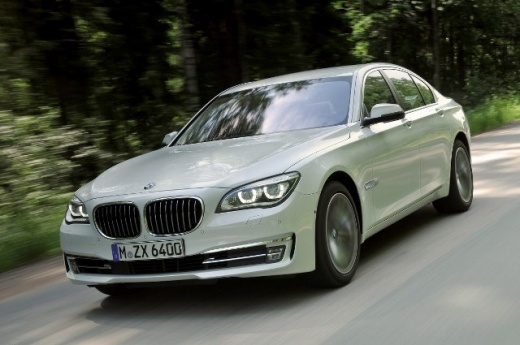
Removing Front Headlights on BMW 7 Series
Model: BMW Serie 7
F02, MK 5, F01
- Years:
2008, 2009, 2010, 2011, 2012, 2013, 2014, 2015
Video tutorial
To replace a headlight on this model, first remove the bumper. Manually detach the rubber seal, then use a special pliers to remove the clips holding the side panels, and take off the panels. Now access the wheel well by moving the protective cover and unbolting the underlying bolts. Lift the car with one or two jacks (one on each side) and remove the screws securing the bumper from underneath. Also, unbolt the upper bolts and slowly detach the bumper. At this point, unbolt the screws securing the headlight as shown in the video, and disconnect the connector. Once done, you can remove the headlight.
Updated on 5 April 2026 by ScegliAuto
Related tutorials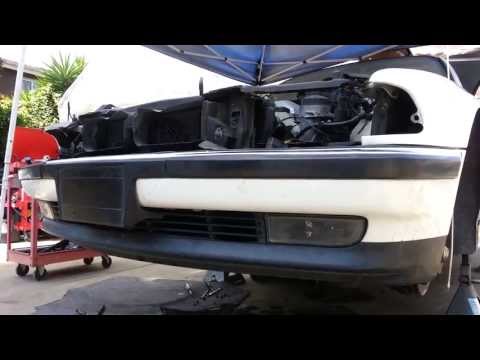
BMW Serie 7
(1986-1994 /
MK 2, E32, MK 3, E38)
To easily remove the front bumper, it is certainly helpful to lift the vehicle on suitable jack stands (or a lift), remove the front wheels and then …
BMW Serie 7
(1994-2001 /
E38, MK 3)
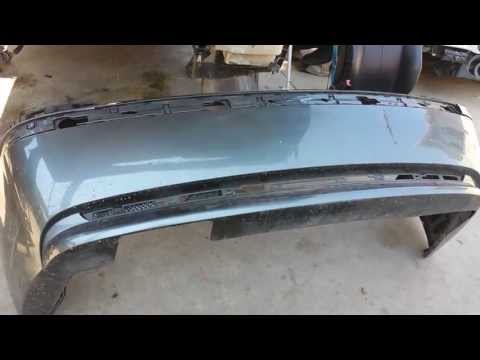
To remove the rear bumper, first remove the taillights: then take off the trim located under the lower edge of the lights (it is secured with pressur…
BMW Serie 7
(2001-2008 /
E68, MK 4, E65, E67, E66)
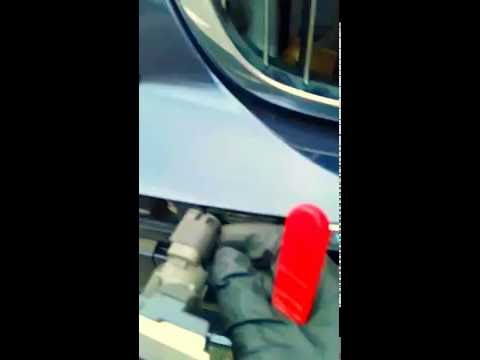
In this video, you can see where the front parking sensors are located on the BMW 7 Series, useful if you need to replace a malfunctioning one. As sh…
Other guides you may be interested in
|
How to lower the rear seats in the Peugeot 206?
In this tutorial, you will see how to lower the rear seats in the Peugeot 206, a very simple and quick operation, for example, if you need more space in the boot. First, open both the doors and the tailgate, then unclip the seat base and position it vertically. Next, remove the horizontal partition, locate the release levers at the ends of both seatbacks, and, by operating them, lower the seatbacks. To reassemble everything, simply follow the reverse procedure. by ScegliAuto More videos
|
|
For advertising on this site Write to info@scegliauto.com
ScegliAuto is not responsible for any inaccuracy of the data in the lists. To report any inaccuracy or your business (if you own the business in question), please write to info@scegliauto.com
Number of seconds to generate the page: 0.032
(c) ScegliAuto 2026 - info@scegliauto.com - Privacy policy VAT number: IT01247470535 |
