
|
Do it yourself
| |||
| ||||


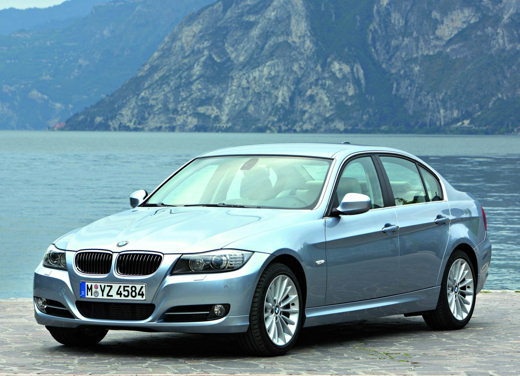
Replacing BMW 3 Series Battery
Model: BMW Serie 3
E92, E90, E91
- Years:
2005, 2006, 2007, 2008, 2009, 2010, 2011, 2012, 2013
Video tutorial
Open the trunk and empty it to work more easily. To your right, looking inside the trunk, you will notice a small panel with a sort of screw that you can unscrew by hand. Once done, unscrew the two 10 mm bolts (this time with a power tool or wrench) that hold the black plastic retainer, as shown in the video. Then unscrew the 10 mm bolts at the negative terminal (first) and positive terminal (next). Remove the battery cover by disconnecting the connectors secured with clips. Using a plastic pry tool, lift the battery out of its seat and finally, remove it.
Updated on 1 May 2026 by ScegliAuto
Related tutorials
BMW Serie 3
(2005-2013 /
E92, E90, E91)
Is the battery on your BMW 3 Series dead? Do you want to replace it? Let's go through the battery removal process. Open and lift the trunk lid. Remov…

BMW Serie 3
(2005-2013 /
E92, E90, E91)
In today's tutorial video, you will learn how to remove and replace the battery of the BMW 3 Series, as well as the 1 Series and 2 Series. First, loc…

BMW Serie 3
(1998-2006 /
E46)
To replace the battery in a BMW 3 Series, open the trunk to lift the carpet at the base. After lifting it, detach the right side plastic cover, under…
Other guides you may be interested in
|
Frequently Asked QuestionsHow to reset the tyre pressure warning light on the Kia Niro EV?
To reset the tyre pressure warning light on the Kia Niro EV, inflate the tyres until they reach the correct pressure value. This value is indicated on the sticker attached to the driver's door pillar. Once the tyres are inflated, turn on the instrument cluster to check that the warning light has completely disappeared from the display. If it is still present, you may need to drive for a few miles to ensure it disappears completely from the screen. by ScegliAuto More videos
|
|
For advertising on this site Write to info@scegliauto.com
ScegliAuto is not responsible for any inaccuracy of the data in the lists. To report any inaccuracy or your business (if you own the business in question), please write to info@scegliauto.com
Number of seconds to generate the page: 0.048
(c) ScegliAuto 2026 - info@scegliauto.com - Privacy policy VAT number: IT01247470535 |
