
|
Do it yourself
| |||
| ||||


How do you reset the tire pressure warning light on the BMW X2?
Model: BMW X2
F39, MK 1
- Years 2018-2023
In order to reset the tire pressure warning light on the BMW X2, you must first make sure that all tires are at the correct inflation pressure. The inflation pressure is indicated in the vehicle use and maintenance booklet. Then you have to turn on the instrument panel and move within the car menu using the wheel on the center console. Then you have to select the item "Tire pressure menu", "Tire settings" and then "Reset". Once these items have been selected in the order indicated, the warning light on the dashboard will be reset.
Posted on 20 February 2022 by ScegliAuto
Video tutorial
Related tutorials
BMW X2
(2018-2023 /
F39, MK 1)
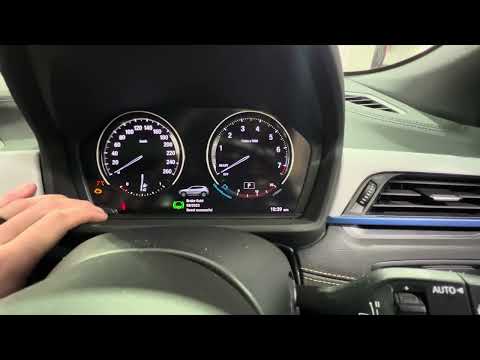
In this tutorial we can see how to reset the brake pads warning light in the BMW X2, an extremely simple and fast operation, to be carried out only a…
BMW X2
(2018-2023 /
F39, MK 1)
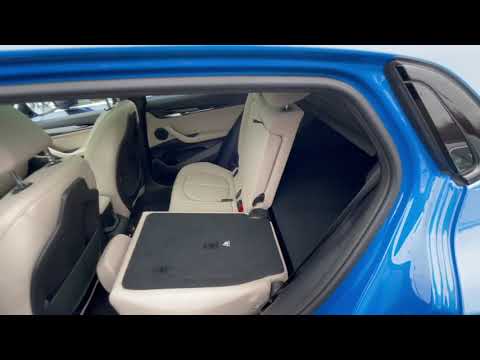
If the service light on your BMW X2 F39 instrument panel (2018-2023 model year) remains fixed, despite having recently completed the necessary vehicl…
BMW X2
(2018-2023 /
F39, MK 1)
Before we are able to begin, we will have to open the rear doors of our BMW X2. Let's start by pulling the three hooks positioned at the lower corner…
Other guides you may be interested in
|
How to Replace the Interior Rearview Mirror on an Audi Q5
In this simple operation, follow a few straightforward steps to replace the mirror without damaging any sensitive parts of your vehicle. Start by removing the small panel that covers the pillar connecting the roof of your vehicle to the mirror. Then, using a lever, remove the lower cover. Now, simply rotate the mirror to remove it; you can use a wrench to assist with the rotation. Once the mirror is removed, install the new one by following the steps in reverse for reassembly. by ScegliAuto More videos
|

|
For advertising on this site Write to info@scegliauto.com
ScegliAuto is not responsible for any inaccuracy of the data in the lists. To report any inaccuracy or your business (if you own the business in question), please write to info@scegliauto.com
Number of seconds to generate the page: 0.075
(c) ScegliAuto 2026 - info@scegliauto.com - Privacy policy VAT number: IT01247470535 |
