
|
Do it yourself
| |||
| ||||


Replacing the Master Cylinder for the Clutch Pedal
Model: BMW Serie 3
E36
- Years:
1990, 1991, 1992, 1993, 1994, 1995, 1996, 1997, 1998, 1999, 2000, 2001
Video tutorial
The master cylinder for the hydraulic circuit that operates the clutch release bearing is installed on the clutch pedal. Its replacement is fairly straightforward, except for the limited working space available (the video shows the operation performed on a pedal assembly removed from the cabin). The first step is to drain the hydraulic circuit through the designated bleed valve. Once this is done, you can disconnect the line and proceed with the actual disassembly: you need to remove the retaining clip of the pin that connects the eye of the cylinder rod to the clutch pedal, extract the pin, and unscrew the two mounting bolts of the cylinder from its aluminum support.
Updated on 13 February 2026 by ScegliAuto
Related tutorials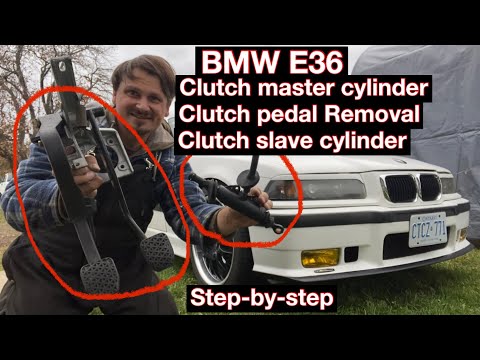
BMW Serie 3
(1990-2001 /
E36)
In today's tutorial video, you will learn the main instructions on how to remove and replace the clutch pedal, along with all the other pedals, on a …
BMW Serie 3
(2005-2013 /
E92, E90, E91)
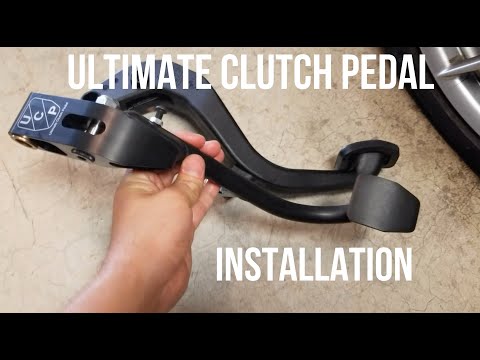
In this tutorial, you will see how to replace the clutch pedal in a BMW 3 Series E92. Start by removing the floor mat. Then, using a Torx T20 screwdr…

BMW Serie 3
(1998-2006 /
E46)
To remove the lock cylinder from a BMW 3 Series, open the door and remove the silicone cap located near the inner door seal to access the screw under…
Other guides you may be interested in
|
How to Reset the AdBlue Warning Light on a Peugeot Boxer
To reset the AdBlue system on a 2018 Peugeot Boxer, follow these steps: Start the engine and ensure the vehicle is parked in a well-ventilated area. Locate the "MENU" button on the dashboard or steering wheel controls. Press and hold the "MENU" button until the menu options appear on the display. Use the arrow buttons or scroll wheel to access the "Vehicle Settings" or "Settings" menu. Select the "AdBlue" or "AdBlue System" option. Look for the "Recharge" or "Reset" option in the AdBlue menu. Once you find the reset option, select it and confirm your choice when prompted. The system will be reset, and a confirmation message may appear on the display. Turn off the engine and wait a few seconds. Restart the engine and check that the AdBlue system has been reset. by ScegliAuto More videos
|
|
For advertising on this site Write to info@scegliauto.com
ScegliAuto is not responsible for any inaccuracy of the data in the lists. To report any inaccuracy or your business (if you own the business in question), please write to info@scegliauto.com
Number of seconds to generate the page: 0.027
(c) ScegliAuto 2026 - info@scegliauto.com - Privacy policy VAT number: IT01247470535 |
