
|
Do it yourself
| |||
| ||||


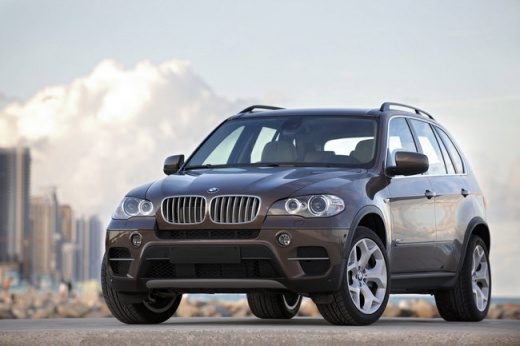
How to Reset the Electronic Parking Brake on the BMW X5
Model: BMW X5
E70
- Years:
2007, 2008, 2009, 2010, 2011, 2012, 2013
Video tutorial
To reset the electronic parking brake on the BMW X5, open the rear trunk. Next, lift the carpet at the base of the trunk: this will allow you to access the red key located in this compartment. After repositioning the carpet, remove the panel on the left side of the trunk. Here, you will find a switch that needs to be pulled upward using the red key you just retrieved. By pulling the switch upward, you can then go inside the cabin to check that the parking brake reset has been completed.
Updated on 28 June 2026 by ScegliAuto
Related tutorials
BMW X5
(2013-2018 /
F15)
Let's see how to disassemble and remove the electronic parking brake button located on the center console of a BMW X5. Position the gear shift knob v…
BMW X5
(2007-2013 /
E70)
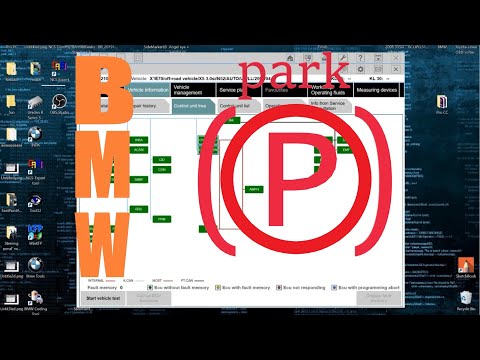
To reset the parking brake on a BMW X5, connect a diagnostic tool to the vehicle's OBD port: on this model, the port is located on the lower left sid…

BMW X5
(2013-2018 /
F15)
In this useful video tutorial, you can see how to replace the parking brake button on a BMW X5, third generation model produced from 2013 to 2018. Le…
Other guides you may be interested in
|
Frequently Asked QuestionsHow to lower the rear seats in the Peugeot 206?
In this tutorial, you will see how to lower the rear seats in the Peugeot 206, a very simple and quick operation, for example, if you need more space in the boot. First, open both the doors and the tailgate, then unclip the seat base and position it vertically. Next, remove the horizontal partition, locate the release levers at the ends of both seatbacks, and, by operating them, lower the seatbacks. To reassemble everything, simply follow the reverse procedure. by ScegliAuto More videos
|
|
For advertising on this site Write to info@scegliauto.com
ScegliAuto is not responsible for any inaccuracy of the data in the lists. To report any inaccuracy or your business (if you own the business in question), please write to info@scegliauto.com
Number of seconds to generate the page: 0.088
(c) ScegliAuto 2026 - info@scegliauto.com - Privacy policy VAT number: IT01247470535 |
