
|
Do it yourself
| |||
| ||||


How to reset the BMW 5 Series E60 oil light
Model: BMW Serie 5
E60, E61
- Years 2003-2010
Below we will find out together how to manually reset the engine oil warning light on your BMW 5 Series E60 (year 2003-2010). First, enter the vehicle and locate the button located immediately below the fuel gauge, on the lower left side of the panel itself. Simultaneously start the framework. As soon as the new menu appears on the mini display, release the button and use it to navigate within the menu until you see the item relating to the remaining oil life. At this point, press and hold the button again and release it as soon as you are asked to confirm the reset. Then press it one last time and you're done.
Posted on 27 December 2022 by ScegliAuto
This video is currently unavailable
Related tutorials
BMW Serie 5
(2003-2010 /
E60, E61)
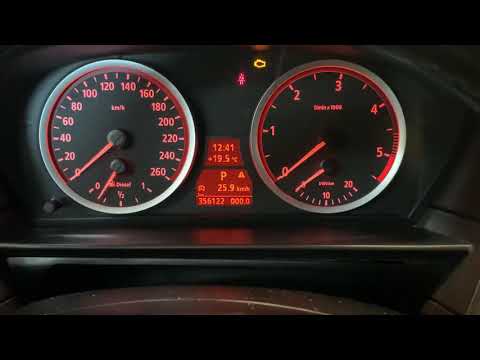
In this new mini guide dedicated to all of you who own a BMW 5 Series e60, we will discover the steps you need to follow to successfully reset the en…
BMW Serie 5
(2003-2010 /
E60, E61)
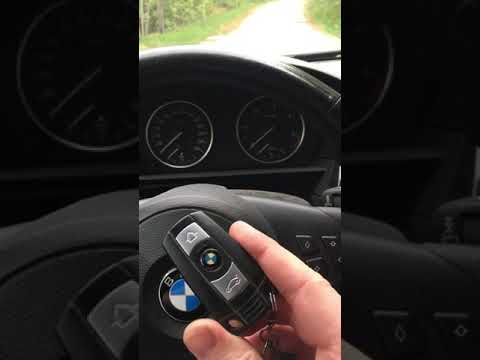
It may happen that the yellow service warning light of your BMW 5 Series E60 continues to come on steadily even after having performed the regular se…
BMW Serie 5
(2003-2010 /
E60, E61)
In this video, we see how to reset the service light on a BMW 5 series E60/E61 version (that is, productions from 2003/2010). First, we need to get i…
Other guides you may be interested in
|
Frequently Asked QuestionsHow to Remove the Original Radio from a Renault Trafic
How to remove the original radio from a Renault Trafic? Follow this video closely to perform the removal: use the original or aftermarket metal keys to detach the stereo, insert the keys into the holes on the plastic cover of the stereo, pull the stereo towards you as shown in the video, and extract the radio while being careful of the various wiring (disconnect the power connectors and the antenna cable). Finally, reinstall the original radio or a generic brand with the appropriate adapter for the input and connector. by ScegliAuto More videos
|
|
For advertising on this site Write to info@scegliauto.com
ScegliAuto is not responsible for any inaccuracy of the data in the lists. To report any inaccuracy or your business (if you own the business in question), please write to info@scegliauto.com
Number of seconds to generate the page: 0.078
(c) ScegliAuto 2026 - info@scegliauto.com - Privacy policy VAT number: IT01247470535 |
