
|
Do it yourself
| |||
| ||||


How to Reset Maintenance Warnings and the ECU on a BMW 7 Series
Model: BMW Serie 7
E66, E67, E68, E65, MK 4
- Years 2001-2008
In this guide, we will see the main instructions that will allow you to reset all maintenance warnings on the BMW 7 Series; to reset the vehicle's ECU, it is recommended to disconnect the battery for five minutes, then reconnect it. Next, get inside the vehicle and use the knob on the center console to navigate to the vehicle settings; here you will find all the maintenance warnings of the vehicle, which you will reset accordingly if the services have been performed. Now exit the settings menu to save the changes made!
Updated on 21 September 2026 by ScegliAuto
Video tutorial
Related tutorials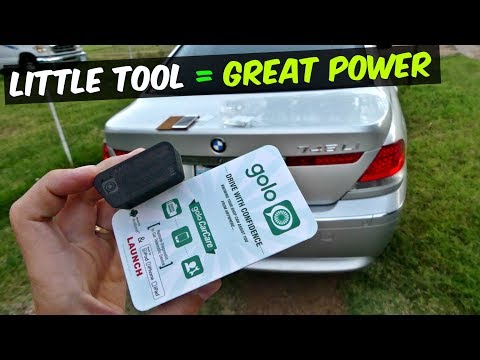
BMW Serie 7
(2001-2008 /
E66, E67, E68, E65, MK 4)
This accessory is a device that connects to the OBD diagnostic port of your vehicle and pairs with an application downloaded on your smartphone: it c…
BMW Serie 7
(2001-2008 /
E66, E67, E68, E65, MK 4)
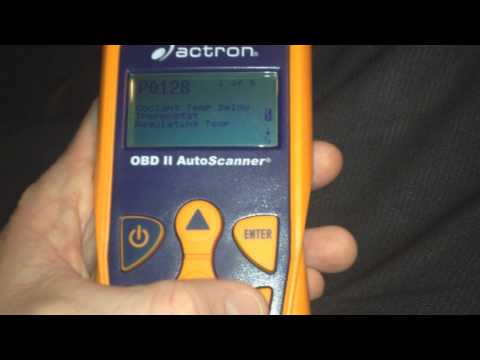
In this video tutorial, you will learn how to reset the check engine light on a BMW 7 Series by following the instructions below. First, get inside t…
BMW Serie 7
(1994-2001 /
MK 3, E38)
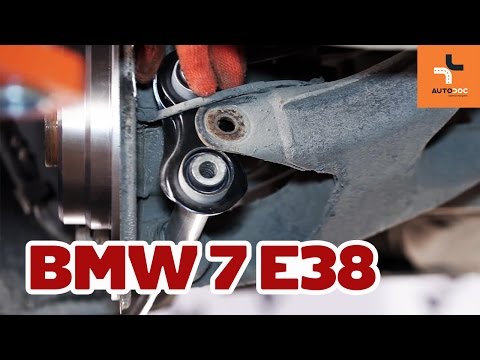
To remove and replace the rear control arm, proceed as follows: 1) Lift the vehicle off the ground using a jack or lifts. 2) Remove the rear wheel on…
Other guides you may be interested in
|
How to Open the Bonnet on the Lancia Y
To open the bonnet on this vehicle, follow these simple instructions: first, open the driver's door and locate the lever positioned just below the dashboard, marked with an image of the vehicle with the bonnet open. Pull this lever towards you until you hear a "click" indicating the bonnet is released. Next, exit the cabin and stand in front of the bonnet to disengage the safety catch and complete the opening. To do this, slightly lift the bonnet, locate the yellow lever underneath, and pull it to the left to fully release and open the bonnet. by ScegliAuto More videos
|
|
For advertising on this site Write to info@scegliauto.com
ScegliAuto is not responsible for any inaccuracy of the data in the lists. To report any inaccuracy or your business (if you own the business in question), please write to info@scegliauto.com
Number of seconds to generate the page: 0.086
(c) ScegliAuto 2026 - info@scegliauto.com - Privacy policy VAT number: IT01247470535 |
